An automatic video editor that makes the whole edit.
Upload the separate takes you recorded for one short-form video. ReadyForm, an automatic video editor for original footage, picks the takes, cuts the mistakes, adds captions, pacing, B-roll and sound, and renders the finished short. Every decision it made stays visible, and every one of them is yours to change.
Automatic does not mean invisible: you can see which take was used where, and swap it. It does not mean infallible either; the edit is complete, not beyond improvement.
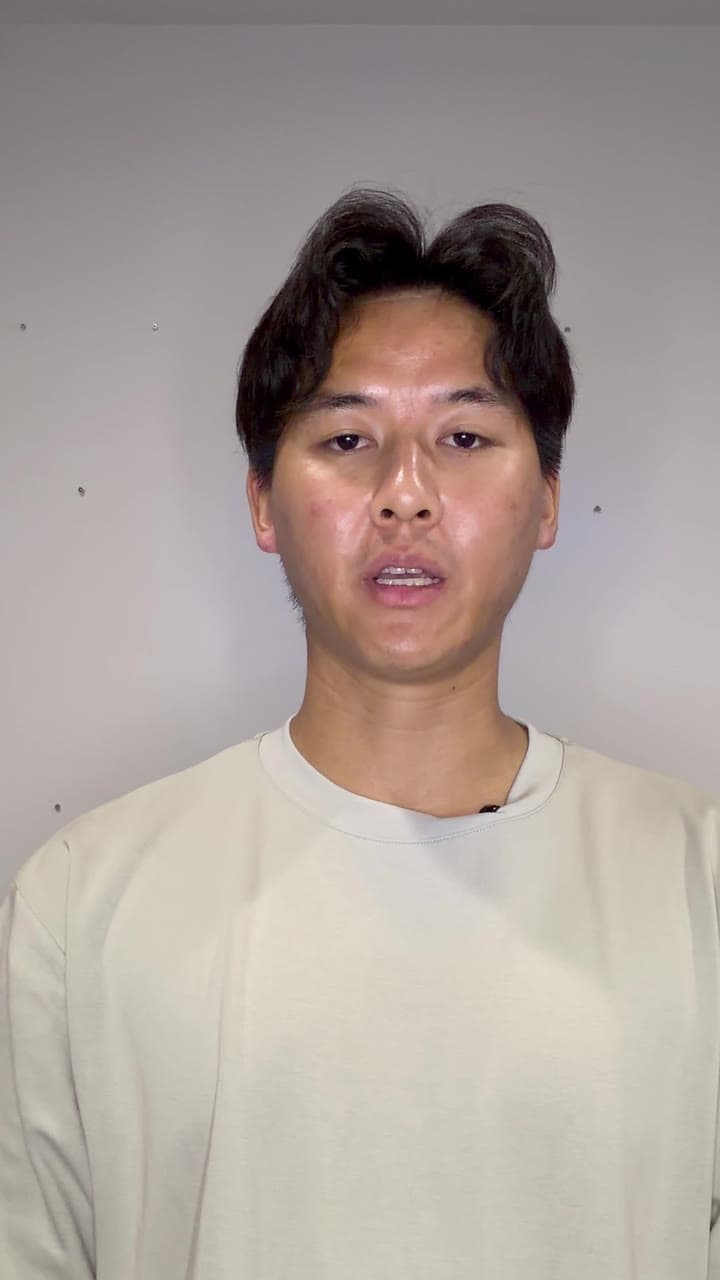
What is an automatic video editor?
An automatic video editor uses software or AI to perform editing tasks that would otherwise require manual work: cutting footage, removing pauses, arranging scenes, generating captions, adjusting pacing, assembling the edit.
Most tools automate one of those tasks. An auto video editor that captions. One that removes silences. One that reframes. ReadyForm automates the whole chain for one specific kind of footage: the separate takes you recorded for one short-form video. It transcribes them, chooses the cleanest take of each part, cuts, captions, paces, adds B-roll and sound, grades the colour and renders the result.
It does not decide whether your message is right, whether the take it chose is the one you would have chosen, or whether the video is ready for your audience. Those stay with you, which is why the editor shows every choice it made and lets you change it.
The work begins before the creative part.
After recording, a creator still opens every file, watches every take, finds the repeated sentences, splits the message into scenes, attaches each scene to a usable take, prepares captions, checks the pacing, adds something to look at, builds the first timeline and watches the whole thing back.
Much of that is necessary. None of it needs to start by hand. ReadyForm does the assembly so that you start at the point where judgement matters: watching a finished video and deciding whether anything should change.
Less manual assembly before judgement begins. Not automation instead of judgement.
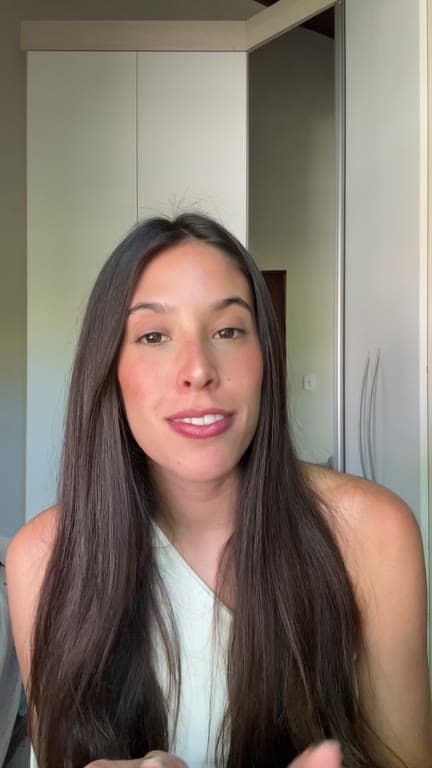
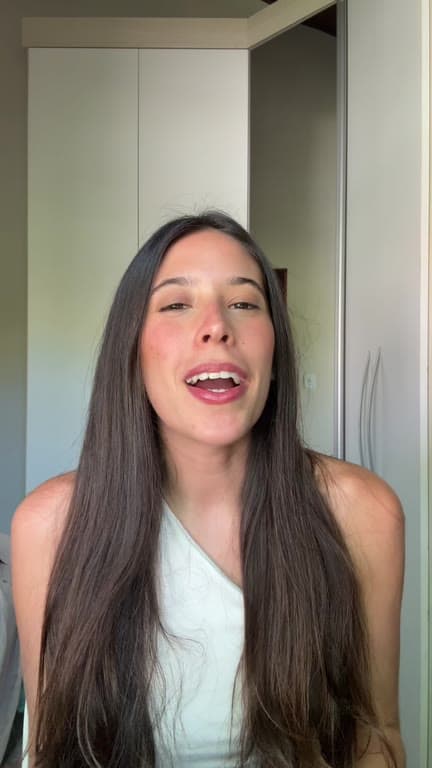
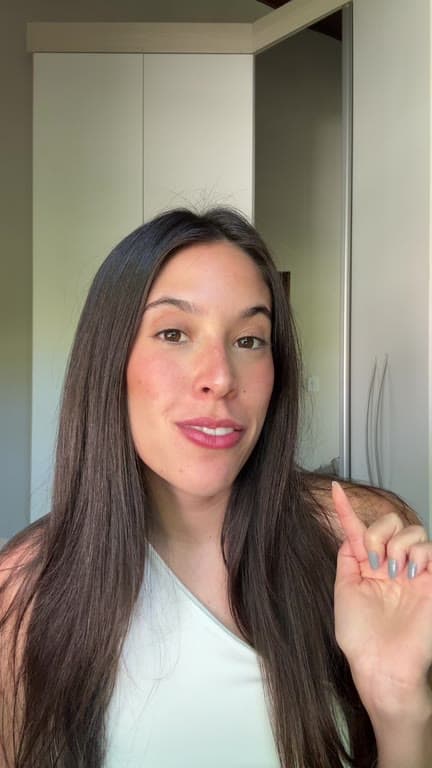
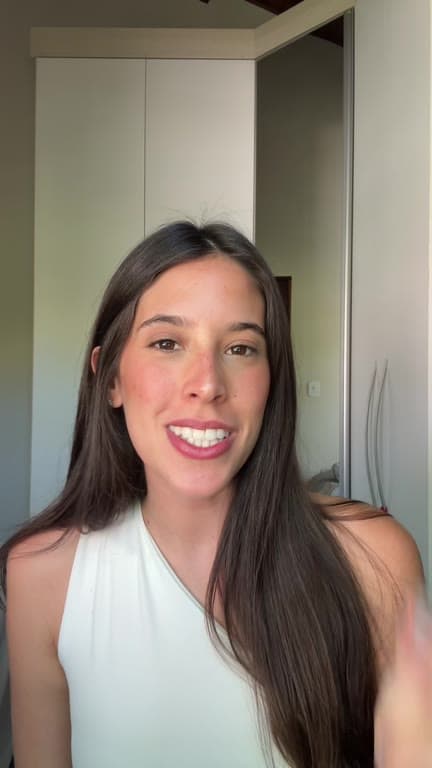
Upload the footage. Get the finished version.
Four steps. ReadyForm does three of them.
01
Record one short-form video
Record the message in manageable sections: the hook, the explanation, the example, the ending. If you lose the thread halfway through a sentence, say it again and keep going. Every alternative take you keep is one more version the edit can choose between later.
02
Upload the recordings
Add all the takes for that one video to the same project, pick a brand kit, and press Get it ready. The credit cost is shown before anything starts.
03
ReadyForm assembles the edit
Every take is transcribed, the cleanest version of each section is chosen, and the rest is built around it: cuts, zooms, captions, B-roll, sound and colour. The scenes, the source takes and the timeline are connected into one video and rendered, so what comes out is finished rather than a project file.
04
Download, or inspect the decisions
The finished short is ready to download. Open the editor to see which take was used where, and swap, cut or add anything you like.
Automatic editing you can inspect.
Every one of these happens without you. Every one of them is visible in the editor afterwards.
Take selection
Where you recorded the same part more than once, the cleanest version is chosen. The editor shows which one, per scene.
Automatic cuts and cleanup
Pauses, false starts, stops and abandoned attempts are cut. The sentence you meant stays.
Automatic captions
Word-timed captions in your brand kit's style, with the key words highlighted. Edit the words and the captions follow.
Pacing
Scene lengths, transitions and punch-ins set so the opening, the point and the ending each get the time they need.
B-roll, sound and colour
Supporting footage on the lines that ask for it, sound effects on the cuts, a colour grade over the whole video.
A prepared timeline
You never start from an empty timeline. The finished video is laid out scene by scene, with the transcript beside it.
Automatic video editors solve different problems.
Choose automation based on the footage you already have.
A text-to-video generator starts from a prompt or a script and generates a video. A long-form clipping tool starts from a podcast or webinar and extracts short clips. A template video maker starts from text, media and a template. An automatic reframing tool starts from horizontal footage and repositions it in a vertical frame.
ReadyForm starts from original short-form takes, the ones you recorded for one video, and makes the complete edit of that video. If that is the footage you have, this is the automation that fits. If you have a two-hour recording and want clips, it is not.
For people who record consistently.
ReadyForm works best when the knowledge and the raw footage exist, and assembling every edit by hand is what slows the workflow down.
Talking-head content
You, the camera, and the message in separate takes.
Expert explanations
Knowledge or an opinion from professional experience.
Educational videos
One principle, process or practical method.
Product explanations
One feature, one problem, one workflow.
Creator insights
An observation, a lesson, a personal take.
UGC-style recordings
Natural, creator-led product or experience content.
Know where automatic editing fits.
ReadyForm is built for original short-form footage, multiple takes for one video, the complete automatic edit with cuts, captions, pacing and visual media, a prepared timeline, and a finished export in 9:16, 1:1 and 16:9.
ReadyForm is not a text-to-video generator, an avatar generator, a podcast clipping platform, a visual-effects suite or a social scheduler. It does not promise a perfect final cut, the objectively best take every time, or views. It makes the edit; the judgement and the audience stay yours.
Try it on your own footage for $0 today.
Every plan starts with 7 days free: 750 ReadyCredits, up to 3 standard videos, the complete editor, no watermark.
Start 7-day free trialQuestions before you upload?
What is an automatic video editor?
Software that uses automation or AI to do editing tasks that would otherwise be manual: cutting, removing pauses, arranging scenes, captioning, pacing, assembling the edit. ReadyForm automates the whole chain for the takes recorded for one short-form video.
How does ReadyForm edit videos automatically?
It transcribes the separate takes, picks the cleanest version of each part, cuts the stutters and silences, adds captions, zooms, B-roll, sound and colour, and renders the finished video. The editor shows every decision afterwards.
Does the automatic edit still need my review?
It does not need it to be finished: the video renders and is ready to download. It may deserve it: ReadyForm cannot know whether the take it chose is the one you prefer. That is why every choice is visible and changeable.
Can ReadyForm automatically remove pauses and retakes?
Yes. Silences, false starts and abandoned attempts are cut, and where you recorded a part more than once, one version is chosen. It will not catch every mistake in every recording; the editor is there for the rest.
Does ReadyForm add automatic captions?
Yes, word-timed and in the style of your brand kit. You can change the wording, the style and the position.
Is ReadyForm a one-click video editor?
One upload, one button, and the edit is made. But it is not a generator that promises a perfect final video without you ever looking at it. It removes the assembly work, not your judgement.
Is an auto video editor the same thing?
People use auto video editor, automatic video editor and automated video editor for the same idea. What differs is what gets automated: a caption, a crop, or, with ReadyForm, the complete edit.
Can I try the automatic video editor?
Yes. Every plan starts with 7 days free: 750 ReadyCredits for up to 3 standard videos. A payment method is required, $0 is charged today, and you can cancel anytime from your account.
Related: Short-form video editor · Social media video editor · ReadyForm vs CapCut · Inside ReadyForm
Upload the takes. See what ReadyForm makes of them.
The complete edit, automatically, on your own footage. Change anything afterwards.