Your Shorts should support the channel, not create a backlog.
Whether Shorts sit next to a long-form channel or are the channel, they compete with everything else you make: thumbnails, titles, uploads, the community. ReadyForm makes the edit of the Shorts you recorded on purpose, in your channel's style, so an idea recorded on Monday does not sit in a folder until the long video is done.
Prepare the edit in ReadyForm. Complete the upload on YouTube. ReadyForm does not clip your long videos into Shorts and is not affiliated with YouTube.
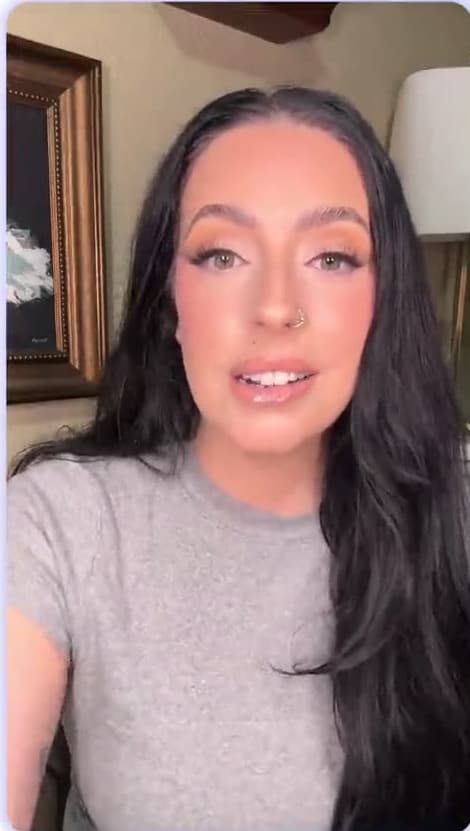
Which Shorts creators is this for?
Creators who record original short videos intended for YouTube Shorts: Shorts-first channels, and long-form channels adding Shorts that were recorded as Shorts.
Not every useful Short begins inside a long video. ReadyForm is built around the ones that do not: three opening takes, the explanation split across recordings, a corrected sentence, an alternative ending, files spread across a camera roll. It picks the takes, cuts, captions in your channel's style, paces for vertical, adds B-roll and sound, and renders the Short.
It does not extract Shorts from a completed long-form video, upload, add YouTube music, make thumbnails or titles, or decide whether YouTube classifies the upload as a Short. The tool itself is described on the YouTube Shorts editor page; this page is about the way you run the channel.
Short-form and long-form compete for the same hours.
Too many opening takes. Shorts that do not quite match the channel. Recorded ideas that stay unfinished because the long video always wins. And automatic captions that still need a pair of eyes.
ReadyForm gives Shorts a workflow of their own: one upload per Short, the channel's brand kit does the styling, the edit takes minutes, and the caption check is the only editing left.
Consistency should make the channel recognisable while each Short fits its own message.
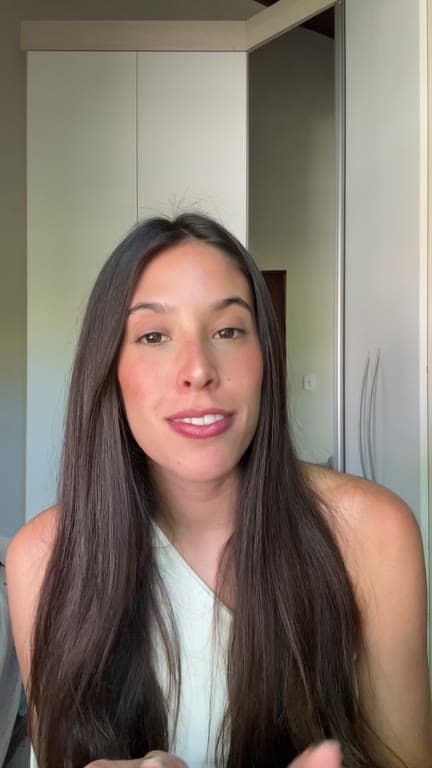
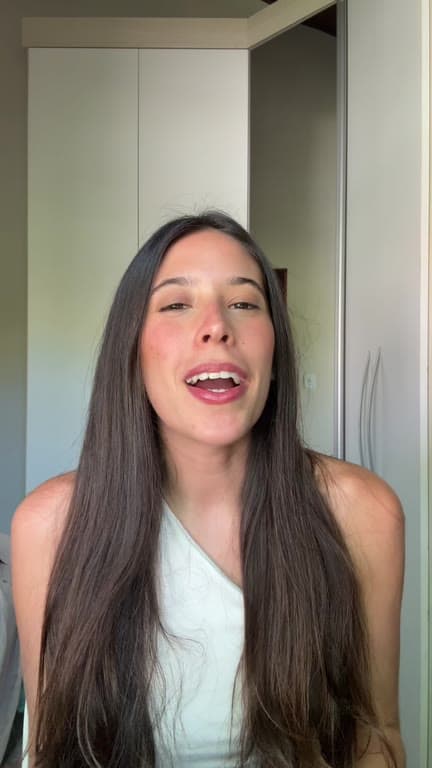
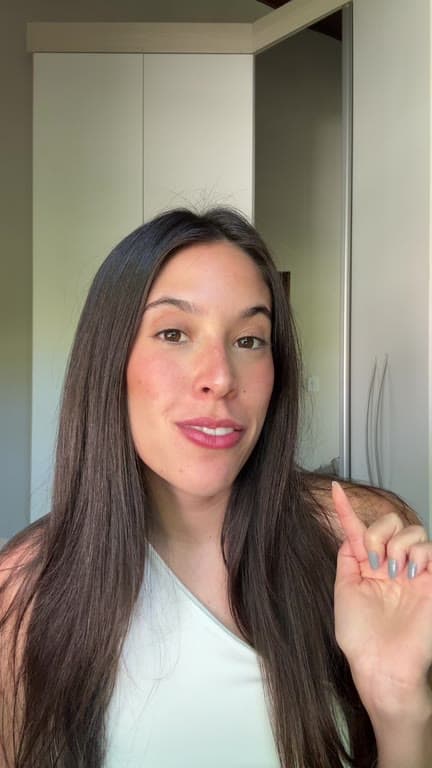
Record the idea for short-form. Review one complete edit.
Shorts next to the long-form schedule, without stealing its time.
01
Record the Short
Record several openings, the explanation in parts, an example and an ending, shot for a Short rather than cut out of a long video. Record the opening more than once. It costs you a minute and it gives the edit a real choice to make.
02
Upload with the channel's brand kit
All the takes for that Short go into one project with the channel's brand kit selected. The kit holds the caption style, the colours and the logo, so a Short still reads as the same channel to someone who watches your long-form videos.
03
ReadyForm makes the edit
ReadyForm keeps the opening that holds, cuts the restarts and the pauses, and adds captions, pacing, B-roll, sound and colour. It renders in 9:16, composed for the Shorts frame rather than cropped down from something that was shot wider.
04
Review, export, upload on YouTube
Check the wording and the source takes. Download, then add the title, the audio and the settings in YouTube Studio.
The Shorts a channel makes.
Recorded on purpose, in the channel's voice.
Tips and short lessons
One concept, under a minute.
Q&A and commentary
One question from the comments; one opinion.
Creator stories and channel updates
What happened, what is coming.
Product demonstrations
Something shown and explained.
Recurring series
The same format every week, in the same style.
Companions to a long video
A standalone idea from the same topic, recorded as a Short.
Prepare the edit. Complete the upload on YouTube.
You keep the idea, the channel message, which scenes and takes stay, the caption wording, the brand treatment, the metadata, the native audio and the upload. ReadyForm makes the cut, the captions, the pacing, the visuals and the render.
It is not a long-form clipper, an uploader, a scheduler, a thumbnail or title maker, an analytics tool or a music library, and it does not promise subscribers, views or a Shorts classification. Nothing is uploaded automatically.
Try it on your own footage for $0 today.
Every plan starts with 7 days free: 750 ReadyCredits, up to 3 standard videos, the complete editor, no watermark.
Start 7-day free trialQuestions before you upload?
Can ReadyForm turn my long YouTube videos into Shorts?
No. It edits Shorts you recorded as Shorts. Record the idea again in takes; that is the footage it works with.
Can I keep Shorts in my channel's style?
Yes. A brand kit holds the channel's caption style, colours and logo, and every Short follows it.
Does ReadyForm add YouTube music or upload to my channel?
No. You download the Short and add audio, title and settings in YouTube Studio. There is no integration and no affiliation.
Will my video be classified as a Short?
That is YouTube's decision, based on its current format rules. ReadyForm exports in 9:16; check the requirements before you upload.
Where is the Shorts editor itself described?
On the YouTube Shorts editor page, which covers what the tool does with a Short. This page is about the channel workflow.
What does the trial include for a Shorts creator?
7 days, 750 ReadyCredits, up to 3 standard videos, everything included. $0 today; cancel anytime from your account.
Related: YouTube Shorts editor · Who it's for · TikTok creators · Educational videos
Your next Short is already recorded.
Give it a workflow of its own. Upload the takes.