Turn your UGC takes into a complete edit.
Upload the hooks, product explanations, demonstrations and calls to action recorded for one creator-led video. ReadyForm turns them into one connected UGC video: the cleanest take of each part, restarts cut, captions, pacing and product visuals added, the creator's natural delivery kept. The creator or the brand decides how the product and the experience are represented.
Works with footage a real person recorded. No generated customers, no avatars, no promises about conversions.
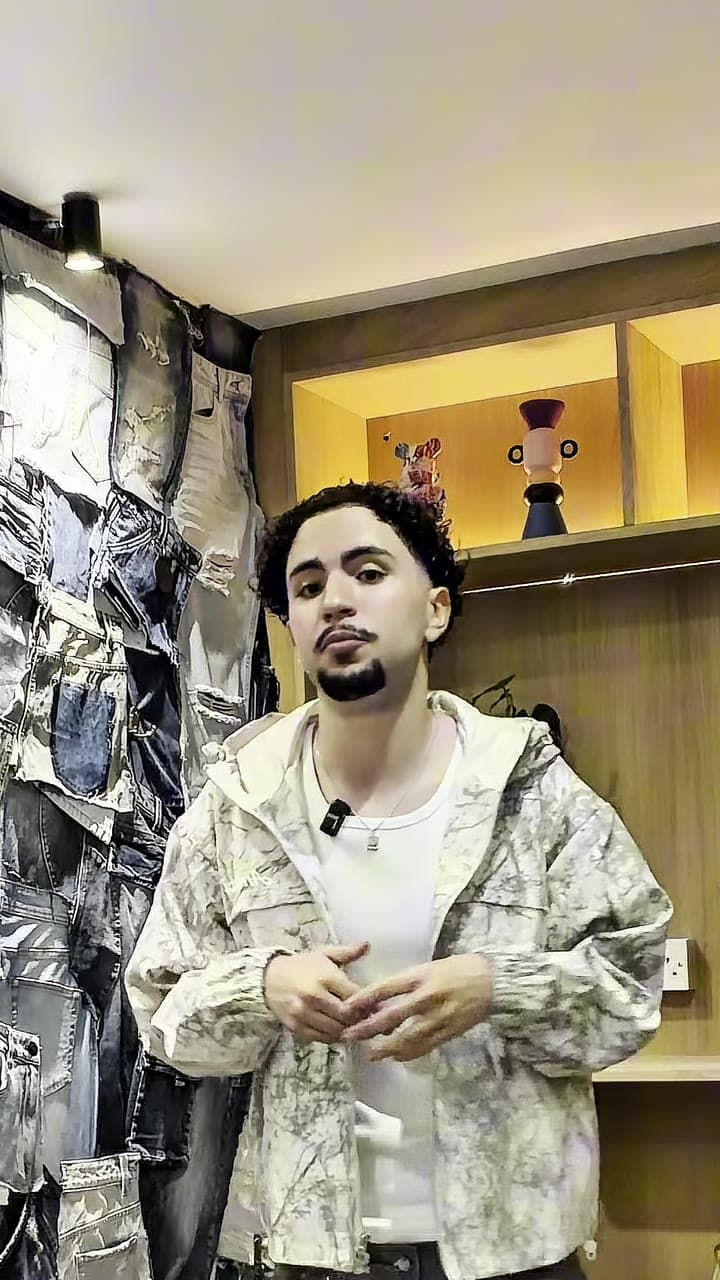
What is UGC video editing?
UGC video editing is the process of turning creator- or customer-recorded footage into a structured video while preserving a natural, personal style.
The creator does not need one perfect take. ReadyForm takes the separate takes for one UGC video and makes the complete edit, and shows the result scene by scene so the creator or the brand can check the product names, the claims, the demonstration and the disclosure before it goes out.
UGC is not always a testimonial: it can be made by a paid creator who is not a customer. ReadyForm does not generate artificial customers or experiences, and the person, the relationship and the experience shown must be represented accurately.
Natural content still creates messy raw footage.
Several hooks. Different product introductions. An interrupted demonstration. The product name mispronounced. Two explanations of the benefit. A reaction that ran long. Alternative calls to action. Extra product shots.
The final video should feel personal and direct. That does not mean every pause, restart or unused attempt has to stay in. ReadyForm makes the connected version and keeps the delivery that made the footage feel real.
Editing should improve clarity without changing who the creator is, what they experienced or what the product can actually do.
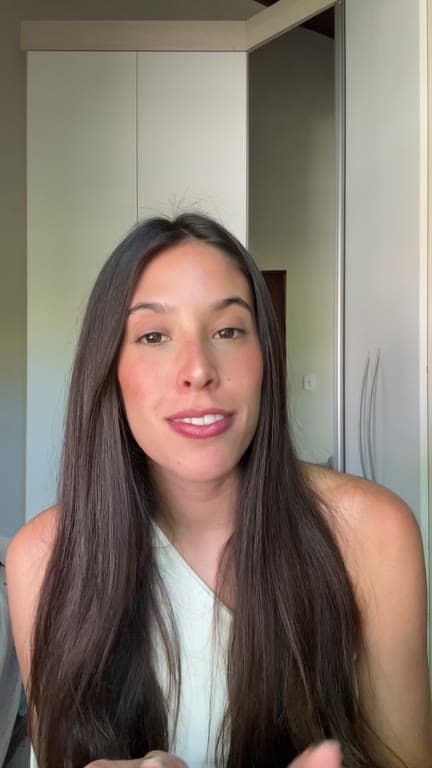
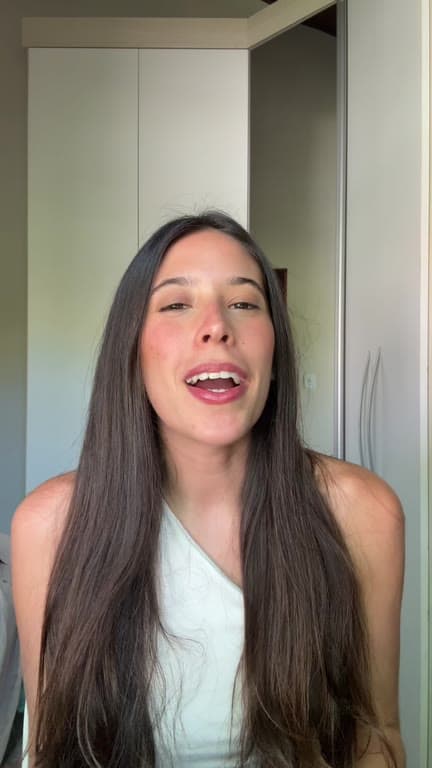
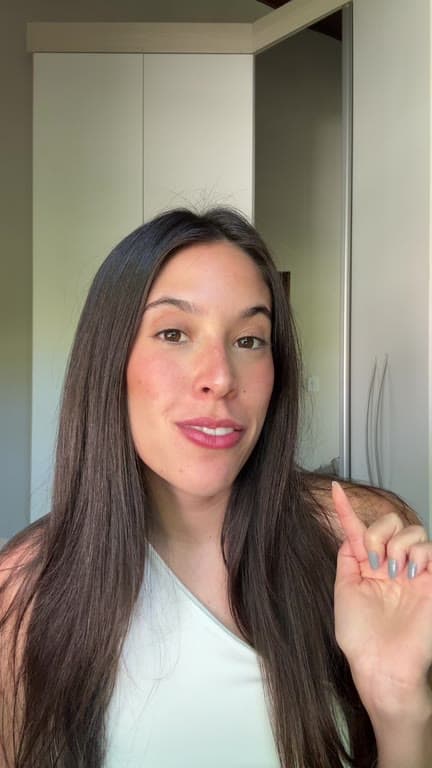
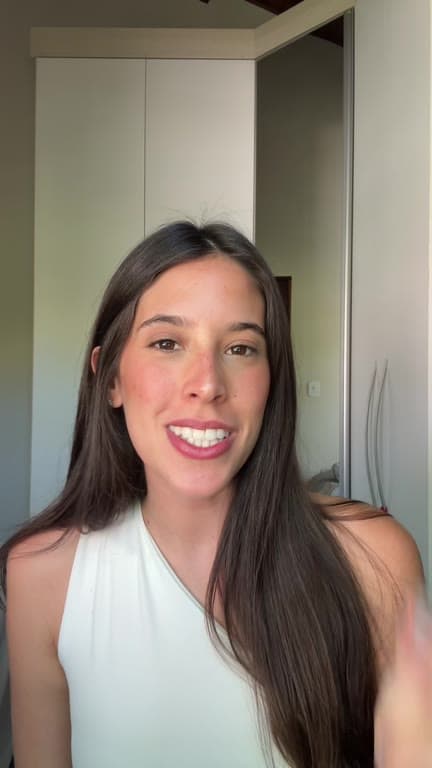
Record in sections. Get the whole product story back.
One intended video: hook, problem, product, demonstration, benefit, reaction, proof, qualification, call to action.
01
Record the sections and alternatives
Record the hooks, the explanations, the demonstrations and the calls to action as separate takes. Alternative openings and endings are worth shooting while the product is still on the table and the light has not moved. They cost a minute each and give the edit a real choice.
02
Upload the original footage
All the takes and product shots for one brief go into a single project. Pick the brand kit so the captions and highlights come out in the brand's style rather than your own. Nothing needs sorting, renaming or trimming before you upload it.
03
ReadyForm makes the edit
Every take is transcribed, the version where the product read best is kept, and the restarts are cut. Captions, pacing, product B-roll, sound and colour are added, and it is rendered as one connected video. What comes back is a delivery, not a folder of clips with a brief attached.
04
Check every claim, then post
Go through what a brand checks line by line: the product names, the prices, the features, the demonstration itself, the disclosure, the captions and the take used in each scene. Swap, fix or cut wherever it matters. Then download it in 9:16, 1:1 or 16:9 and deliver it.
What the editor does with a UGC video.
The editing priorities of creator-led product content. Handled in one pass, yours to change.
The hook
The cleanest of the openings you recorded, first. Not a prediction of which one performs; that is why it is visible and swappable.
Natural delivery
Restarts and unused attempts go; the way the creator actually talks stays.
Product visibility
Product shots and B-roll on the lines that show the product, without changing what it can do.
Caption accuracy
Word-timed captions in the brand's style. Product names, prices, discount codes and claims are editable in the story view.
Pacing and sound
Cut points and punch-ins for a short, sound effects on the cuts, a colour grade.
Brand presentation
A brand kit per brand: colours, fonts and caption style, saved once.
For creators and the brands they work with.
Real customers, paid creators, affiliates, employees, founders and brand ambassadors.
Product demonstration and unboxing
The product, shown and used.
Problem and solution, personal experience
What was wrong, what changed.
Tutorial, review-style and comparison
How to use it, what it is like, how it compares.
Affiliate and organic-style advertisement
With the commercial relationship stated where required.
Review who the creator is and what the video claims.
ReadyForm is built for original creator footage, several takes for one video, the complete edit with captions, pacing, sound and product visuals, and content meant for short-form social channels, organic or paid.
ReadyForm is not a creator marketplace, a campaign-management platform, an avatar generator, a fake-testimonial creator, a rights-management system, a scheduler or a media-buying platform. It does not promise ad approval, conversion or sales. Creators and brands remain responsible for saying whether the person shown is a customer, a paid creator, an affiliate or an employee, for the applicable advertising and affiliate disclosures, and for the rights to the footage, product assets and music.
Try it on your own footage for $0 today.
Every plan starts with 7 days free: 750 ReadyCredits, up to 3 standard videos, the complete editor, no watermark.
Start 7-day free trialQuestions before you upload?
What is a UGC video?
A creator- or customer-led video that presents a product, service, experience or opinion in a personal style.
How does ReadyForm edit UGC videos?
It transcribes the separate creator takes, picks the cleanest version of each part, cuts the restarts, adds captions, pacing, product B-roll, sound and colour, and renders one connected video with every scene tied to its take.
Can I upload several hooks?
Yes. Record as many openings as you like; ReadyForm picks one and shows which, so you can swap it.
Does ReadyForm add captions to UGC videos?
Yes, word-timed and in the brand's style. Check product names, prices, discount codes and claims before you post.
Is paid creator content still UGC?
It is usually described as creator-produced or UGC-style content. The commercial relationship must be represented accurately and disclosed where required.
Is UGC the same as a testimonial?
No. A testimonial shows a real experience of a real person. UGC can be made by a paid creator who is not a customer.
Does ReadyForm create fake customers or guarantee conversions?
No to both. It edits footage a real person recorded, and it has no influence on the offer, the audience, the placement or the campaign.
Can I try UGC video editing?
Yes. Every plan starts with 7 days free: 750 ReadyCredits for up to 3 standard videos. A payment method is required, $0 is charged today, and you can cancel anytime from your account.
Related: All use cases · Talking-head video editing · TikTok video editor · Instagram Reels editor
Upload the creator takes. Get the video back.
Record the sections of one UGC video and see the complete edit ReadyForm makes of them.