Turn your expert takes into a complete thought leadership edit.
Record the perspective, the context, the evidence, the example and the conclusion as separate short-form takes. ReadyForm turns them into one connected professional argument: scenes in order, captions that get the terminology right, professional pacing, supporting visuals. You verify the perspective, the evidence and the nuance.
ReadyForm prepares the presentation. The expertise, the perspective and the evidence are yours, and so is the responsibility for what the video claims.
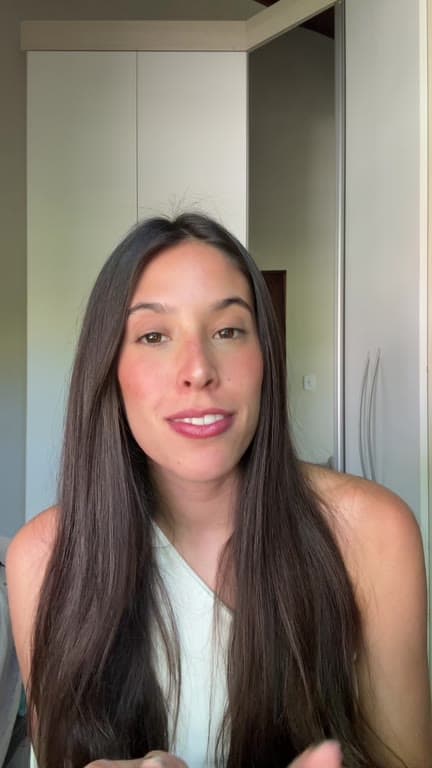
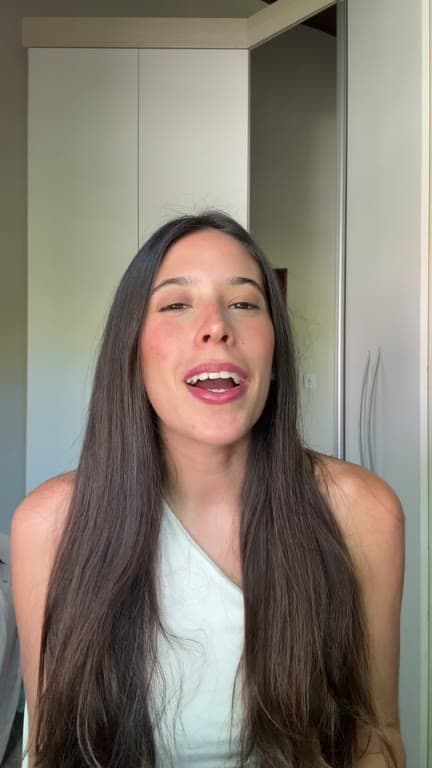
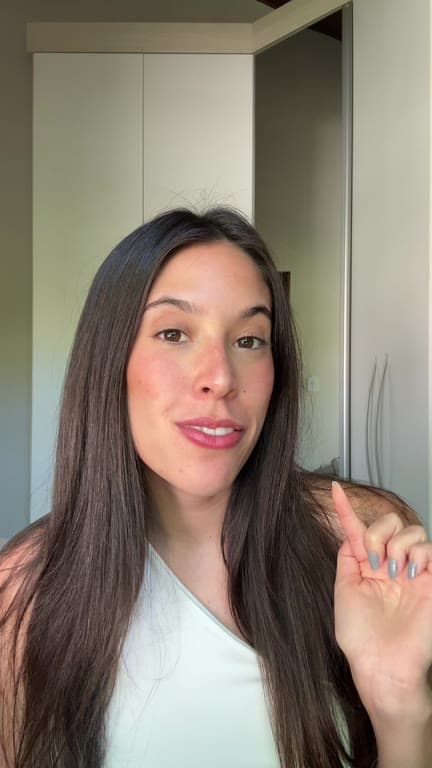
What is a thought leadership video?
A thought leadership video presents a distinctive professional perspective, argument or lesson grounded in relevant experience, knowledge or evidence.
Educational content helps a viewer understand a topic. Thought leadership adds an interpretation, an argument or a recommendation. Talking head describes how the idea may be recorded; thought leadership describes the value of the idea. ReadyForm takes the separate takes of one such video and makes the complete edit, scene by scene, for the expert to check.
It does not create the idea, verify the facts, or promise authority, reach or leads. It is not only for LinkedIn either: the same video works on Reels, Shorts, TikTok and your own site.
Professional ideas rarely arrive in one perfect take.
Several openings. Too much history before the point. A restarted argument. An example that ran long. An important qualification. A statement that needs its evidence. A counterargument. Two conclusions. Terminology a caption could get wrong.
The editing challenge is connecting the recordings without removing the nuance that makes the perspective credible. ReadyForm connects them, and shows you every scene with its source take so you can see what stayed and what went.
A clean edit should not create a stronger claim than you made.
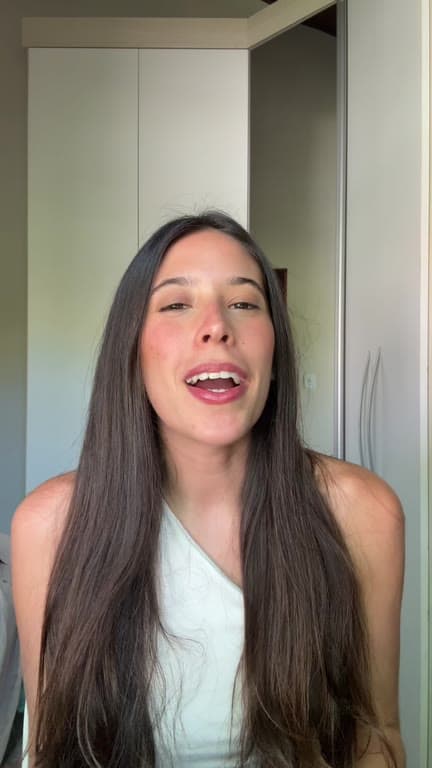
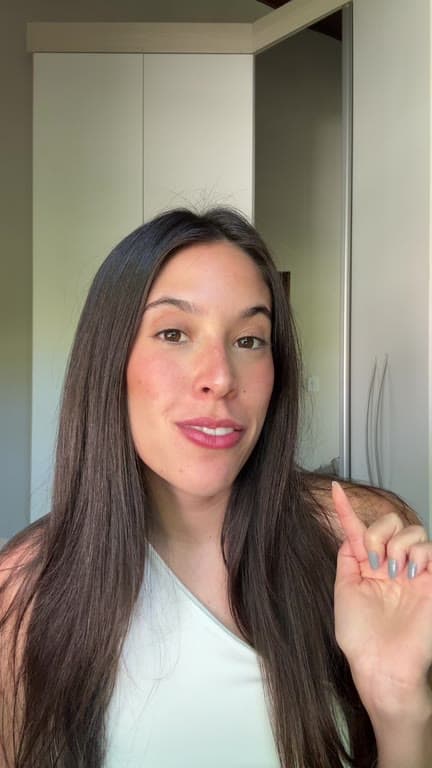
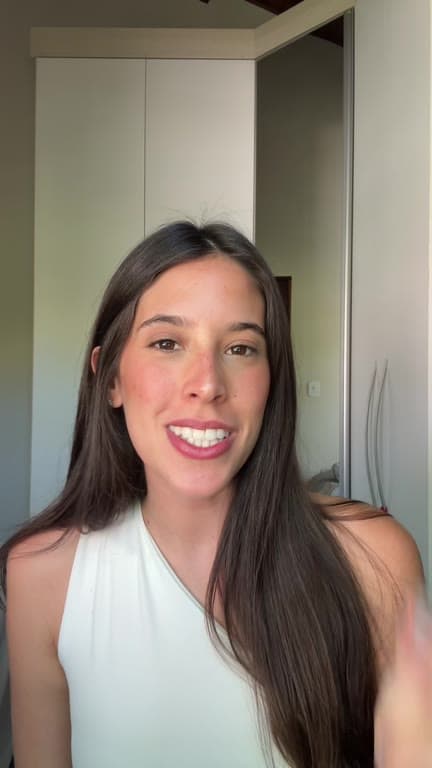
Record in parts. Get the whole perspective back.
One central point per video. Record its sections and its alternatives.
01
Break the idea into sections
Build the argument in pieces: the opening claim, the context, the assumption you are pushing against, your perspective, the evidence, the experience behind it, an example, the counterargument, the qualification and the conclusion. Record alternative openings and conclusions, because those are the two parts you will change your mind about.
02
Upload the expert footage
All the takes go into a single project, together with the charts and screenshots the argument leans on. Pick a brand kit so the captions and highlights match everything else you publish. The order they came off the camera in makes no difference.
03
ReadyForm makes the edit
Every take is transcribed, the version where the reasoning came out cleanly is kept, and the restarts and hesitations are cut. Captions, pacing, supporting visuals, sound and colour are added. It is rendered as one connected argument that runs in the order you built it.
04
Check the argument, then post
Read it back as the person whose name is on it: the structure, the take used in each scene, every claim as it appears in the captions, and every visual next to the line it supports. Put a qualification back, swap a take, fix a term. Then download it in 9:16, 1:1 or 16:9.
Structures that carry a perspective.
A contrarian statement is not automatically thought leadership. These are.
Common belief, different perspective, evidence
What most people think, what you think, why.
Industry change, interpretation, recommendation
What happened, what it means, what to do.
Experience, lesson, broader implication
What you saw, what you learned, where it applies.
Problem, overlooked cause, better approach
The symptom, the real reason, the alternative.
Prediction, reasoning, conditions
What you expect, why, and under which circumstances.
Question, position, supporting argument
The question in the room, your answer, the support.
What the editor does with an argument.
The editing priorities of a professional video. Handled in one pass, visible afterwards, yours to change.
Protect the central argument
Scenes in the order you recorded them for, with the evidence next to the claim.
Preserve the nuance
Cuts remove restarts and detours, not the qualifications. Check that "often", "may", "in our experience" and "under these conditions" survived; removing them strengthens a claim.
Captions that get the terms right
Word-timed captions; terminology, names, statistics and quotations are editable in the story view.
Professional pacing
Cut points and punch-ins that give an argument room, not a highlight reel's rhythm.
Visuals used carefully
Charts, screenshots and B-roll on the lines that ask for them. Check accuracy, source and usage rights.
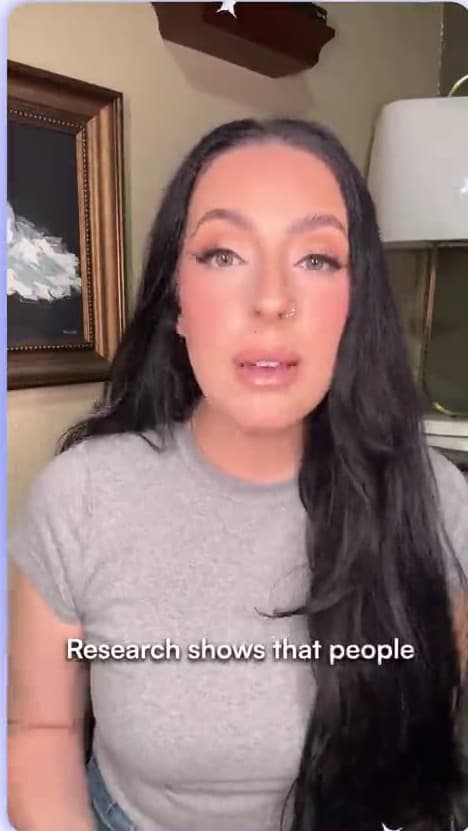
Review what the audience may infer from every cut.
ReadyForm is built for founders, executives, consultants, speakers, trainers, specialists and professional personal brands who record their own footage, one argument in several takes, that needs scenes, captions and visuals, where terminology, claims and nuance deserve a look.
ReadyForm is not a thought leadership generator, a ghostwriting platform, a research tool, a fact-checking service, a personal-brand consultancy, a scheduler or a lead-generation platform. It does not promise authority, credibility, impressions, followers or leads. Do not upload confidential customer, employee or company information without permission.
Try it on your own footage for $0 today.
Every plan starts with 7 days free: 750 ReadyCredits, up to 3 standard videos, the complete editor, no watermark.
Start 7-day free trialQuestions before you upload?
What is thought leadership video editing?
Turning expert-recorded footage into a structured professional video while keeping the perspective, the argument and the nuance intact.
How does ReadyForm edit thought leadership videos?
It transcribes the separate takes, picks the cleanest version of each part, cuts the restarts, adds captions, pacing, supporting visuals, sound and colour, and renders one connected argument, scene by scene.
Can I record the video in separate parts?
Yes. Opening, context, argument, evidence, example, counterargument and conclusion can each be recorded separately, with alternatives.
Does ReadyForm create the ideas or check the facts?
No to both. The perspective, the expertise and the evidence are yours, and so is verifying figures, names, quotations, sources and claims before you post.
Does ReadyForm add captions to professional videos?
Yes, word-timed and in your style. Technical terms, names, statistics and quotations deserve a check in the story view.
Is thought leadership the same as personal branding?
It can support a personal brand, but it is specifically about distinctive professional ideas and perspectives, not about visibility for its own sake.
Does ReadyForm guarantee more authority or leads?
No. Credibility and results depend on your expertise, your claims, your evidence, your audience and distribution.
Can I try thought leadership video editing?
Yes. Every plan starts with 7 days free: 750 ReadyCredits for up to 3 standard videos. A payment method is required, $0 is charged today, and you can cancel anytime from your account.
Related: All use cases · Talking-head video editing · Educational videos · Social media video editor
Upload the perspective. Get the video back.
Record the parts of one argument and see the complete edit ReadyForm makes of them.