Turn your talking-head takes into a complete edit.
Record the opening, the explanation, the example and the conclusion as separate direct-to-camera takes. ReadyForm turns them into one connected video: the cleanest take of each part, the restarts and pauses cut, captions, pacing, B-roll and sound added, the speaker kept central.
Works with your own footage. No avatars, no teleprompter, no webcam recorder: you record, ReadyForm edits, you decide whether you still sound like yourself.
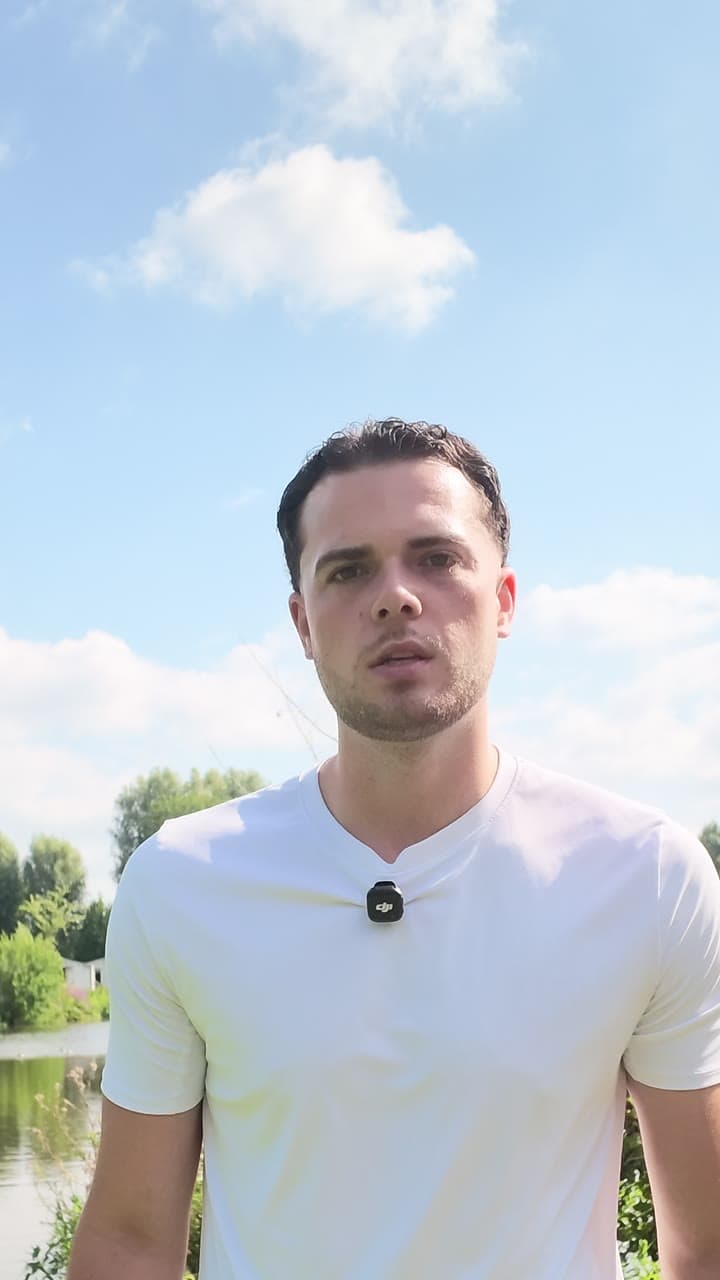
What is a talking-head video?
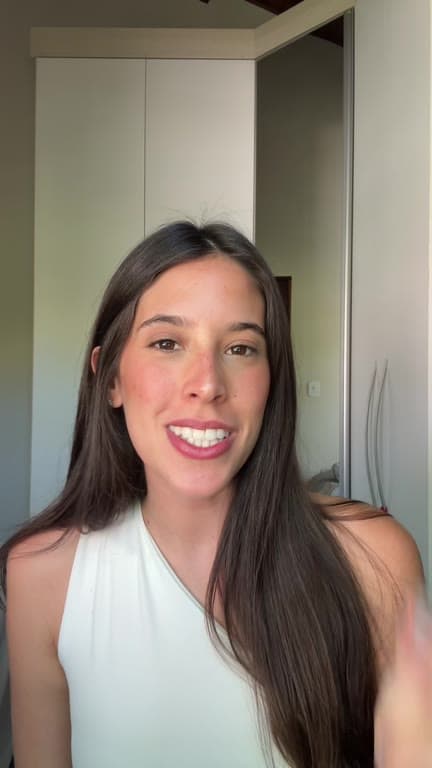
A talking-head video is a video in which a person speaking directly to the camera carries the main message. Captions, B-roll, screenshots and graphics support the speaker without replacing them.
You do not need to record it in one take. ReadyForm takes the separate takes you recorded for one talking-head video and turns them into one complete edit. You look at the result scene by scene, with the source take of each scene visible, and change what you want.
It is not an AI avatar generator, and it is not a long-form clipping tool: it works with footage you recorded, for one short video.
Talking-head videos rarely happen in one perfect take.
Three versions of the opening. Half a sentence. A name or a number said wrong. The same explanation twice. A long pause. An example that ran long. Two calls to action. Footage from before you actually started.
The message is already inside the footage. The slow part is finding the useful pieces and connecting them into one coherent video without losing what makes you sound like a person. ReadyForm does that part.
Not every pause is a mistake. The ones that carry the message stay; the ones that do not, go.
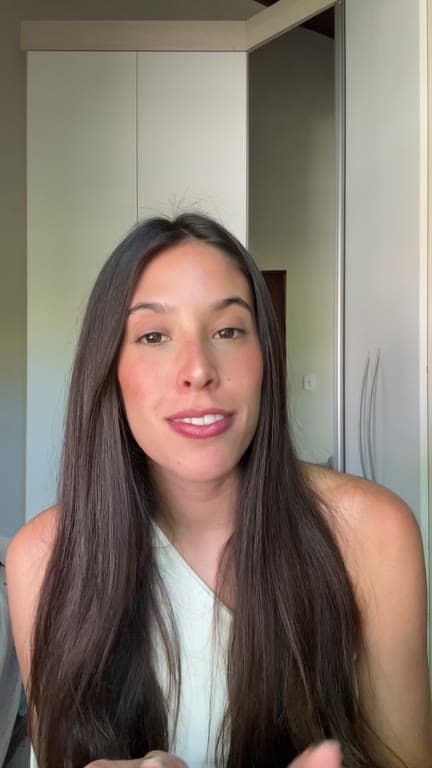
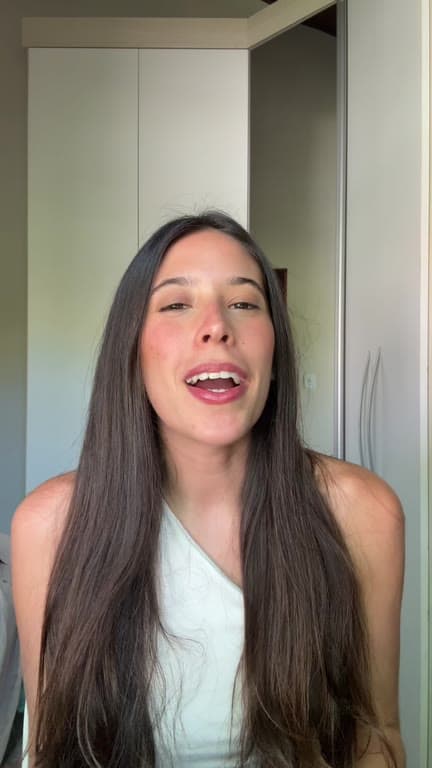
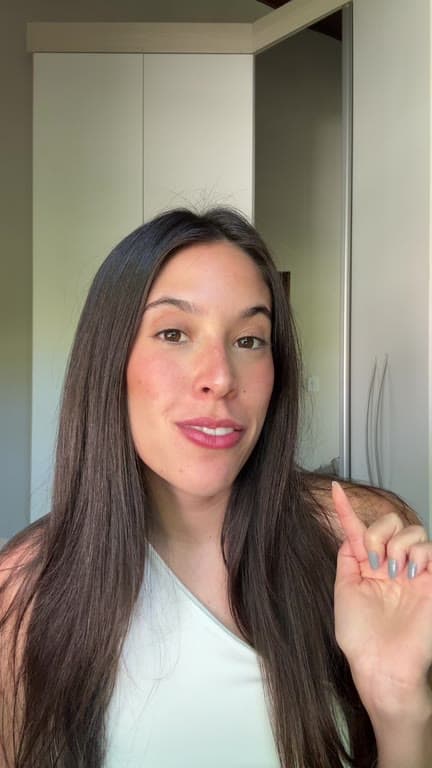
Record in manageable parts. Get the whole story back.
Split the video into sections and record each one as often as you need.
01
Record one intended video
Record the opening, the context, the main point, an example, the qualification and the call to action as separate pieces. Alternative versions of any part are welcome. Talking to camera in short runs is easier than holding a two-minute take together, and it gives the edit more to work with.
02
Upload the original footage
All the takes for that video go into one project, in whatever order they came off the camera. Pick a brand kit so the captions and highlights come back in your style. This is original footage recorded for one short, not an hour of something else to search through.
03
ReadyForm makes the edit
Every take is transcribed, the cleanest one is kept for each scene, and the restarts and silences are cut. Captions, zooms, B-roll, sound and colour are added, and the video is rendered. What comes back plays as one piece to camera, even though you recorded it in parts.
04
Look at each scene, then post
Every scene shows its source take, the sentence boundaries, the captions. Swap a take, fix a word, cut a pause. Download in 9:16, 1:1 or 16:9.
What the editor does with a talking head.
The parts of a direct-to-camera edit that used to take the evening.
Take selection
Where you recorded a part more than once, the cleanest version is chosen. Not always the one you would have picked; that is why every scene shows it.
Pause and retake cleanup
Restarts, abandoned attempts and silences cut; the sentence you meant stays.
Captions
Word-timed, in your style. Check names, numbers, terminology and punctuation in the story view; edit a word and the caption follows.
Pacing and zooms
Punch-ins on the moments that carry weight; cut points so the opening, the point and the ending each get their time.
B-roll and sound
Supporting footage on the lines that ask for it, sound effects on the cuts, a colour grade. Never replacing the speaker.
For people who carry the message themselves.
Coaches, consultants, trainers, founders, speakers, educators, experts, creators and personal brands.
Educational insights and expert opinions
One lesson, one standpoint, from experience.
Founder and coaching content
The advice you give clients, recorded once.
Product explanations
One feature or workflow, explained by the person who knows it.
FAQ and commentary
One question answered; one development commented on.
Keep the imperfections that support the message.
ReadyForm is built for videos where one person carries the message, recorded as original footage in several takes, that need captions, pacing and supporting visuals, and are meant for short-form or professional social channels.
ReadyForm is not an AI avatar generator, a teleprompter, a webcam recorder, a virtual-background platform, a long-form podcast editor, a multicamera interview suite or a scheduler. It does not make anyone sound professional, catch every mistake, or promise views. You remain responsible for names, numbers, claims and quotations before you post.
Try it on your own footage for $0 today.
Every plan starts with 7 days free: 750 ReadyCredits, up to 3 standard videos, the complete editor, no watermark.
Start 7-day free trialQuestions before you upload?
How does ReadyForm edit talking-head videos?
It transcribes the separate takes, picks the cleanest version of each part, cuts the restarts and silences, adds captions, zooms, B-roll, sound and colour, and renders the video with every scene tied to its source take.
Can ReadyForm remove pauses and retakes from a talking-head video?
Yes. Restarts, abandoned attempts and silences are cut. Pauses that carry the message are not mistakes; check the result and put one back if you want it.
Does ReadyForm select the best take automatically?
It selects a take per scene, the cleanest one it finds. It cannot know which one you prefer, so every scene shows the take it used and lets you swap it.
Does ReadyForm add captions to talking-head videos?
Yes, word-timed and styled by your brand kit. Check names, numbers and terminology in the story view before you post.
Does ReadyForm add B-roll?
Yes, on the lines that ask for it, never replacing the speaker. Check every visual for relevance.
Is ReadyForm an AI avatar tool?
No. It works with footage of you.
Can I try talking-head video editing?
Yes. Every plan starts with 7 days free: 750 ReadyCredits for up to 3 standard videos. A payment method is required, $0 is charged today, and you can cancel anytime from your account.
Related: All use cases · Educational videos · Thought leadership videos · TikTok video editor
Upload the takes. Get the video back.
Record the message in parts and see the complete edit ReadyForm makes of them.