Turn training expertise into finished short videos.
You explain complex subjects repeatedly, and between preparation, customisation, travel, delivery and evaluation, the recorded lesson is the thing that waits. ReadyForm turns the takes you record, a method, an exercise, a workshop takeaway, into finished short videos, so staying visible between training dates costs a recording and a look.
For public-facing footage you record yourself. Workshop recordings and participant information are not content, and ReadyForm is not an LMS or a training portal.


Is ReadyForm built for trainers?
Yes: for professional trainers who teach a defined skill, process or method through structured learning and practice, and want one useful point per video to reach people who have not booked a session yet.
Record one lesson in takes: several openings, a technical explanation, a simpler version, a corrected example, a separately recorded exercise. ReadyForm picks the cleanest of each, cuts the restarts, adds captions with the terminology intact, paces it for a lesson, adds visuals and sound, and renders it. One short video usually explains one useful point; that is the unit.
It does not build training programmes, host modules, run assessments, clip workshop recordings or generate learning-level variations. It makes the short video; you decide what belongs in public content and what stays in the paid programme.
The training ends. The lesson should keep working.
Expertise stays in the room. One recording tries to hold too much for one video. The same core concepts get explained again for every group. And delivery always takes priority over the video that would show what you teach.
ReadyForm gives the recorded lesson a workflow: one point, one upload, one finished video in your style, and the transcript beside it for the terminology check.
Share value without publishing the programme: one method per video, complete on its own.
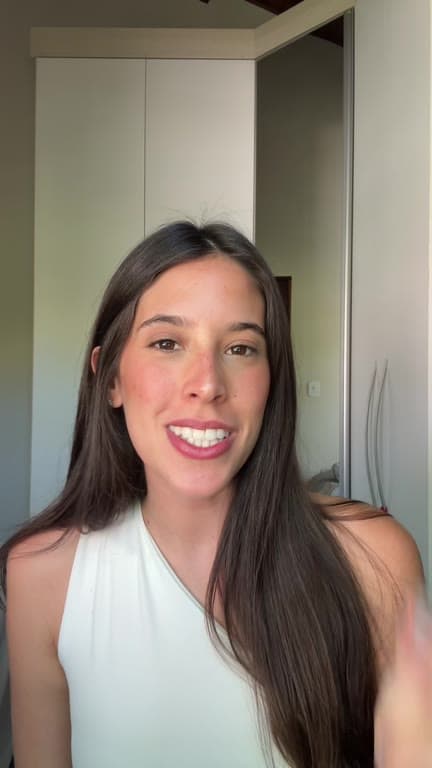
Isolate the lesson. Record. Review the learning context.
Between training dates, the same four steps.
01
Isolate one lesson
Take one thing out of the workshop: a method, an exercise, or the takeaway people write down. Record it to camera as a short that stands on its own, in parts, for someone who was never in the room. A recording of the workshop itself is a different thing entirely.
02
Upload with your brand kit
All the takes go into one project with your brand kit selected. Keep one kit for everything you publish, or a kit per programme if the training tracks look different from each other. Either way, the captions and colours stay the same across the whole series.
03
ReadyForm makes the edit
ReadyForm keeps the take where the method came out cleanly, cuts the restarts and the pauses, and adds captions, pacing, supporting visuals, sound and colour. It renders the short itself, so preparing a week of teaching material does not cost you a second evening at a timeline.
04
Review the learning context, then post
Check what a trainer notices and nobody else will: the terminology, whether the method survived the cut, whether a participant or a client could be recognised, and what belongs behind the paid programme. Fix a word, swap a take, then download it and publish.
The videos a trainer records.
One point each, from the material you teach.
Practical tips and skill demonstrations
One thing to do differently; one technique shown.
Frameworks and facilitation insights
The model behind the session; what you notice in the room.
Common mistakes and reflection questions
What groups get wrong; what to ask yourself afterwards.
Workshop takeaways and programme explanations
One lesson from the day; what the programme involves.
What stays with you before you post.
ReadyForm manages the video workflow. The trainer remains responsible for the rights, consent and confidentiality behind every video.
Participant and client privacy
No workshop recordings, no participant information, no client situations without rights and consent.
Intellectual property
One method shared; the programme kept.
Terminology and captions
The terms you teach, spelled the way you teach them. Editable in the story view.
Professional claims, and what goes out
No learning results you cannot support. Nothing is published automatically.
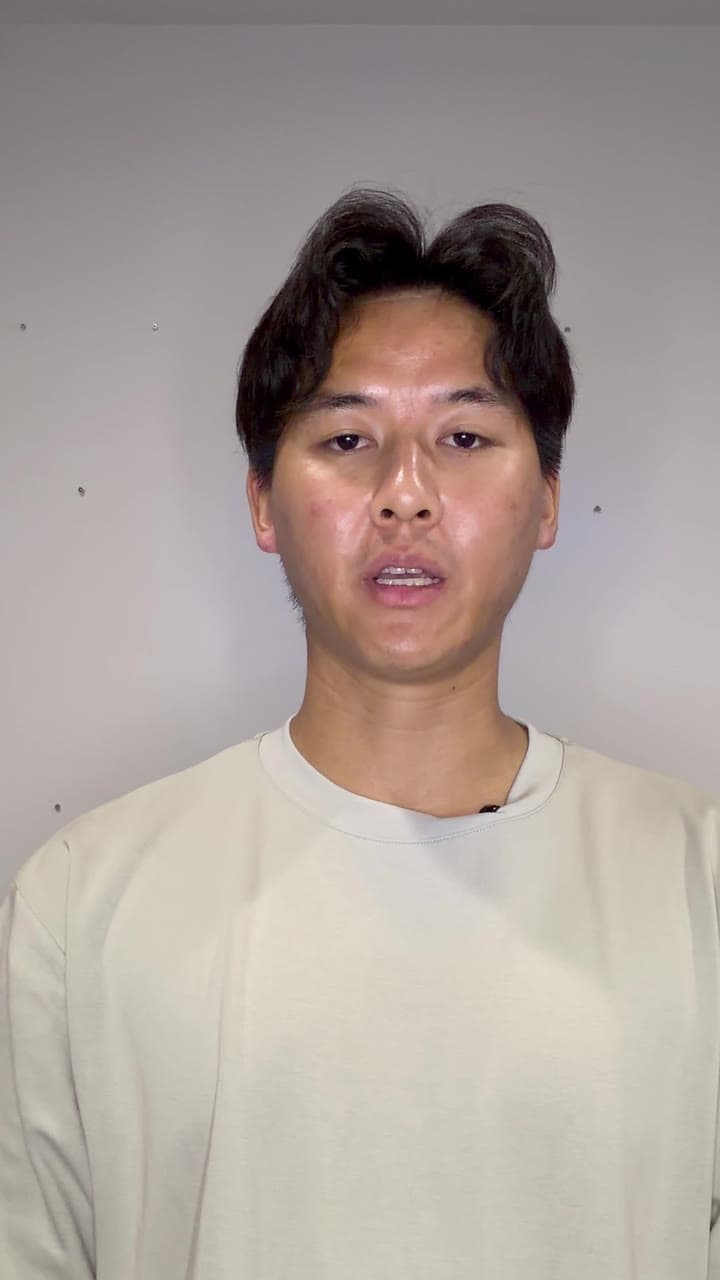
Try it on your own footage for $0 today.
Every plan starts with 7 days free: 750 ReadyCredits, up to 3 standard videos, the complete editor, no watermark.
Start 7-day free trialQuestions before you upload?
Can ReadyForm create complete training programmes?
No. It is not an LMS or an authoring platform. It edits short videos recorded around the training.
Can I make videos from workshop lessons?
Yes. Re-record one method, exercise or takeaway to camera as a standalone short.
Can ReadyForm edit full workshop recordings?
No. It is not a workshop clipper, and participant recordings should not become content without consent.
Can a trainer keep technical captions accurate?
Yes. Every word is editable in the story view and the caption follows.
Can I keep my training brand consistent?
Yes. A brand kit holds your colours, fonts, caption style and logo, one per programme if you like.
What does the trial include for a trainer?
7 days, 750 ReadyCredits, up to 3 standard videos. $0 today; cancel anytime from your account.
Related: Who it's for · Course creators · Speakers · Educational videos
Your next training lesson is ready to travel.
Record one method in takes and see the finished video.