Turn your Instagram Reel takes into a complete edit.
Record the hook, the explanation, the example and the ending as separate vertical takes. ReadyForm, the AI Instagram Reels editor for original footage, turns them into one finished Reel: takes picked, mistakes cut, captions, pacing and B-roll added in your brand's style, rendered and ready to share.
Built for Reels you record yourself, not for clips cut out of long videos. You share it; ReadyForm does not connect to Instagram.
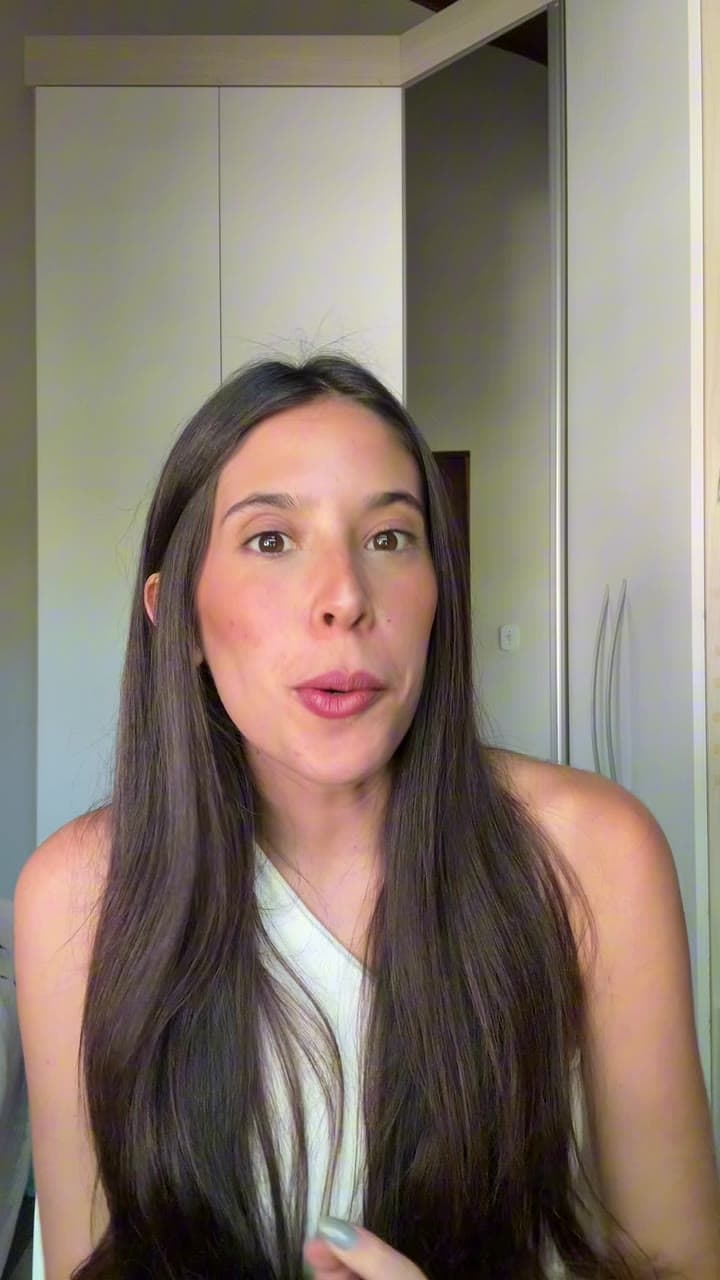
What is an Instagram Reels editor?
An Instagram Reels editor is software used to cut, arrange, caption and prepare videos intended for Instagram Reels.
Some editors focus on templates, effects and music. Others extract clips from long videos or generate footage from prompts. ReadyForm is built for the Reel you recorded on purpose, in several takes: it turns those takes into one complete edit, captioned and paced in your brand's style, and gives you the file to share.
It is not connected to Instagram: no posting, no scheduling, no access to Instagram's music library, and no say in what the algorithm does with your Reel. It is not a long-form clipping tool either.
The Reel is short. The recording session is not.
One Reel still produces several hook versions, a broken-off opening, a restarted explanation, two examples, a corrected product name, pauses, alternative endings, and footage that should never stay.
Before it can be shared, someone has to watch the takes, make the cuts, build the scene order, prepare captions, check the pacing, add visuals and check the vertical composition. ReadyForm does that, and renders the finished Reel.
You record. ReadyForm edits. You share.
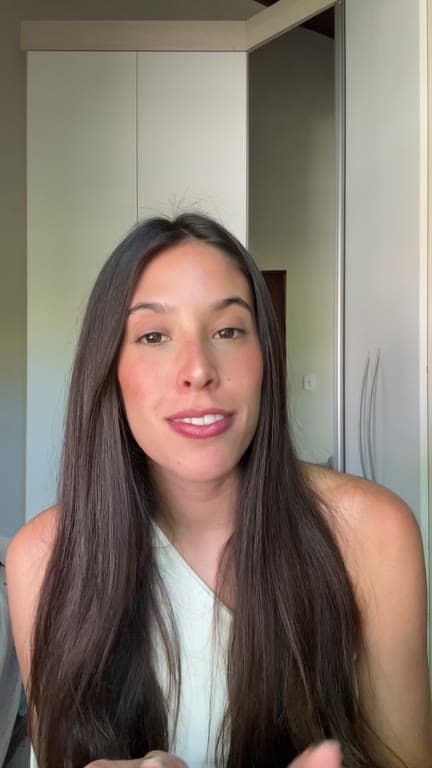
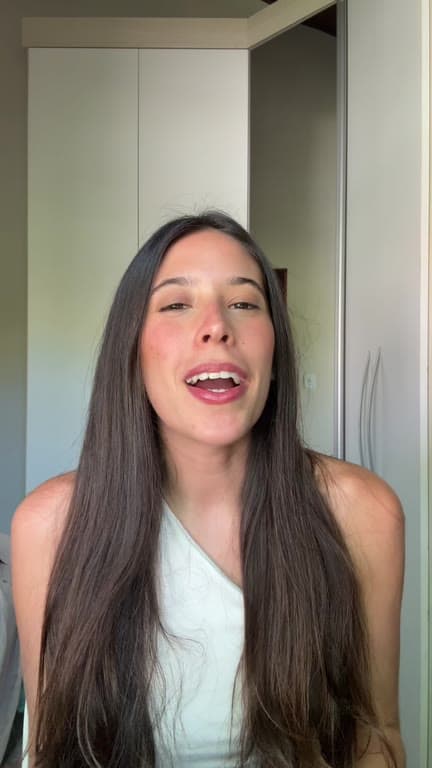
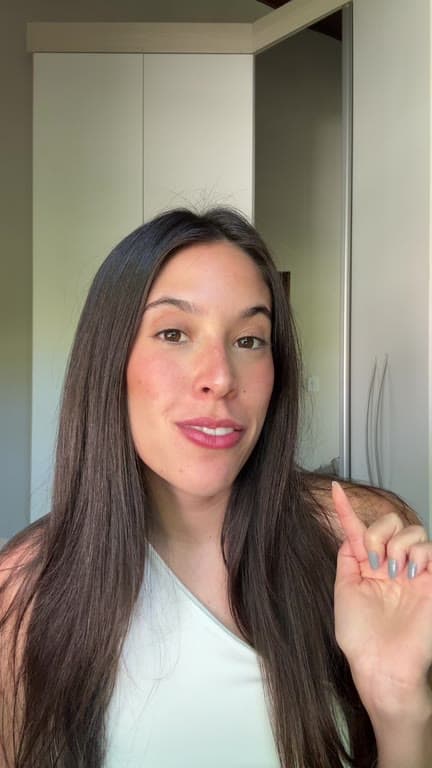
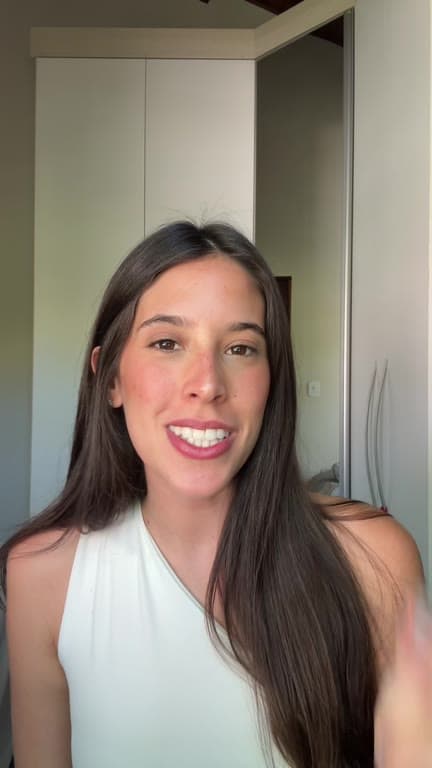
Record the message in parts. Share one Reel.
Four steps, and ReadyForm does the one that used to take the evening.
01
Record one Reel idea
Record the hook, the context, the main point, an example, the conclusion and the call to action as separate pieces. Do each of them as often as you like. Nobody delivers all six perfectly in one run, and here you do not have to.
02
Upload the recordings
All the takes for that one Reel go into a single project, from your phone or straight from Google Drive. Choose the brand kit for the account it is going to, which settles the caption font, the highlight colour and where the text sits in the frame.
03
ReadyForm makes the edit
Every take is transcribed, the best version of each part is chosen, and the restarts and silences come out. Captions in your style, pacing, B-roll, sound and colour go in. It is rendered as one connected Reel rather than handed back as a set of clips to assemble.
04
Download and share on Instagram
The Reel comes out in 9:16 without a watermark. Open the editor first if you want to change a scene, a caption or a cut, and it re-renders. Then pick the cover, write the post caption and share it in the Instagram app, where that part belongs.
What the editor does with a Reel.
Everything a short-form editor would do to your takes, in your brand's style. All automatic, all yours to change afterwards.
Take selection
The cleanest version of every part you recorded more than once.
Cuts and cleanup
Stutters, false starts, silences and abandoned attempts go.
Captions
Word-timed captions in your brand kit's font and colours, with the key words highlighted.
Pacing and zooms
Punch-ins and cut points so the hook, the point and the ending each get their time.
Brand kits
Colours, fonts and caption style saved once per account, so every Reel looks like yours. Several kits if you run several accounts.
Vertical composition
Composed for 9:16 from the start, with the speaker and the captions where a phone screen shows them.
Built for Reels with one clear message.
Original, creator-led Instagram video. The kind where you talk and the edit has to keep up.
Personal-brand insights
One lesson, opinion or professional perspective.
Educational Reels and tutorials
One concept, process or method, with the visuals to show it.
Talking-head Reels
Straight to the audience, in separate takes.
Product explanations
One feature, one outcome, one workflow.
Creator stories and founder content
An experience, an observation, a lesson from the business.
UGC-style Reels
Natural, creator-led product or experience content.
The exported video is one part of the final post.
ReadyForm makes the video. Instagram stays the place where you finish the Reel.
Instagram currently accepts Reels with an aspect ratio between 1.91:1 and 9:16, at least 30 fps and a minimum resolution of 720 pixels, and allows Reels of up to 20 minutes while noting that Reels longer than three minutes are not recommended to new audiences. The cover can look different in the Reels viewer, on your profile grid and in search, so pick it in the app. Those requirements change; check the current ones before you post.
Before sharing, check the cover, the post caption, tags and disclosures, the music and the sound. ReadyForm does none of that, has no access to Instagram's music library, and is not affiliated with Instagram.
A Reels editor, not the entire Instagram stack.
ReadyForm is built for original Reel recordings, multiple takes for one Reel, the complete edit with cuts, captions, pacing and visual media in your brand's style, a vertical composition, and a finished export.
ReadyForm is not an Instagram scheduler, a post-caption writer, a hashtag generator, a music library, a trend-discovery tool, an analytics platform or an advertising manager. It does not promise reach or followers, and it is not an official Instagram partner.
Try it on your own footage for $0 today.
Every plan starts with 7 days free: 750 ReadyCredits, up to 3 standard videos, the complete editor, no watermark.
Start 7-day free trialQuestions before you upload?
What is the best video editor for Instagram Reels?
It depends on the workflow. Template editors suit preset layouts and effects; clipping tools suit long-form repurposing. ReadyForm is for creators who record original Reels in several takes and want the complete edit done in their brand's style.
How does ReadyForm edit Instagram Reels?
It transcribes the separate takes for one Reel, picks the cleanest version of each part, cuts the mistakes, adds captions, zooms, B-roll, sound and colour, and renders the finished vertical video.
Can ReadyForm edit multiple Reel takes?
Yes. It is built around several recordings for one intended video.
Does ReadyForm add captions to Reels?
Yes, word-timed and styled by your brand kit. Change the wording, the style or the position in the editor.
Can ReadyForm add branding to a Reel?
Yes. A brand kit holds your colours, fonts and caption style, and every Reel made with it follows them. Make one kit per account if you run several.
Does ReadyForm post directly to Instagram?
No. You download the finished Reel and share it in the Instagram app. ReadyForm has no Instagram integration.
Does ReadyForm include Instagram music?
No. It adds sound effects on the cuts, but it has no access to Instagram's audio library. Add a track in the app when you share.
Can ReadyForm turn a podcast into Reels?
No. It is built for Reels you record on purpose, not for finding clips inside long recordings.
Does ReadyForm guarantee more Reels views?
No. It makes the edit. Reach, views and followers are decided by Instagram and your audience.
Can I try the Instagram Reels editor?
Yes. Every plan starts with 7 days free: 750 ReadyCredits for up to 3 standard videos. A payment method is required, $0 is charged today, and you can cancel anytime from your account.
Related: TikTok video editor · Social media video editor · Inside ReadyForm
Upload the takes. Get the Reel back.
Record or pick the separate takes for one Reel and see the complete edit ReadyForm makes of them.