AI video editing software for creators, built around your raw takes.
Upload the separate takes you recorded for one short-form video. ReadyForm makes the complete edit, renders it, and gives you a real editor for when you want to change something.
Built for creators, coaches, consultants, speakers, founders and educators who record their own content.


Inside ReadyForm
One workspace from raw footage to finished short.
Uploads, projects, the editor, brand kits and reusable media, together in one short-form workflow.
Dashboard
Start a video and see which projects are ready, processing or not started.
Videos
Search your projects and filter them by status or brand.
Editor
The story, the scenes, the source takes and the timeline of one video.
Brands
Your brand kits: colours, fonts, caption style and a few words about what you do.
Library
Reusable media, ready to drop into any edit.
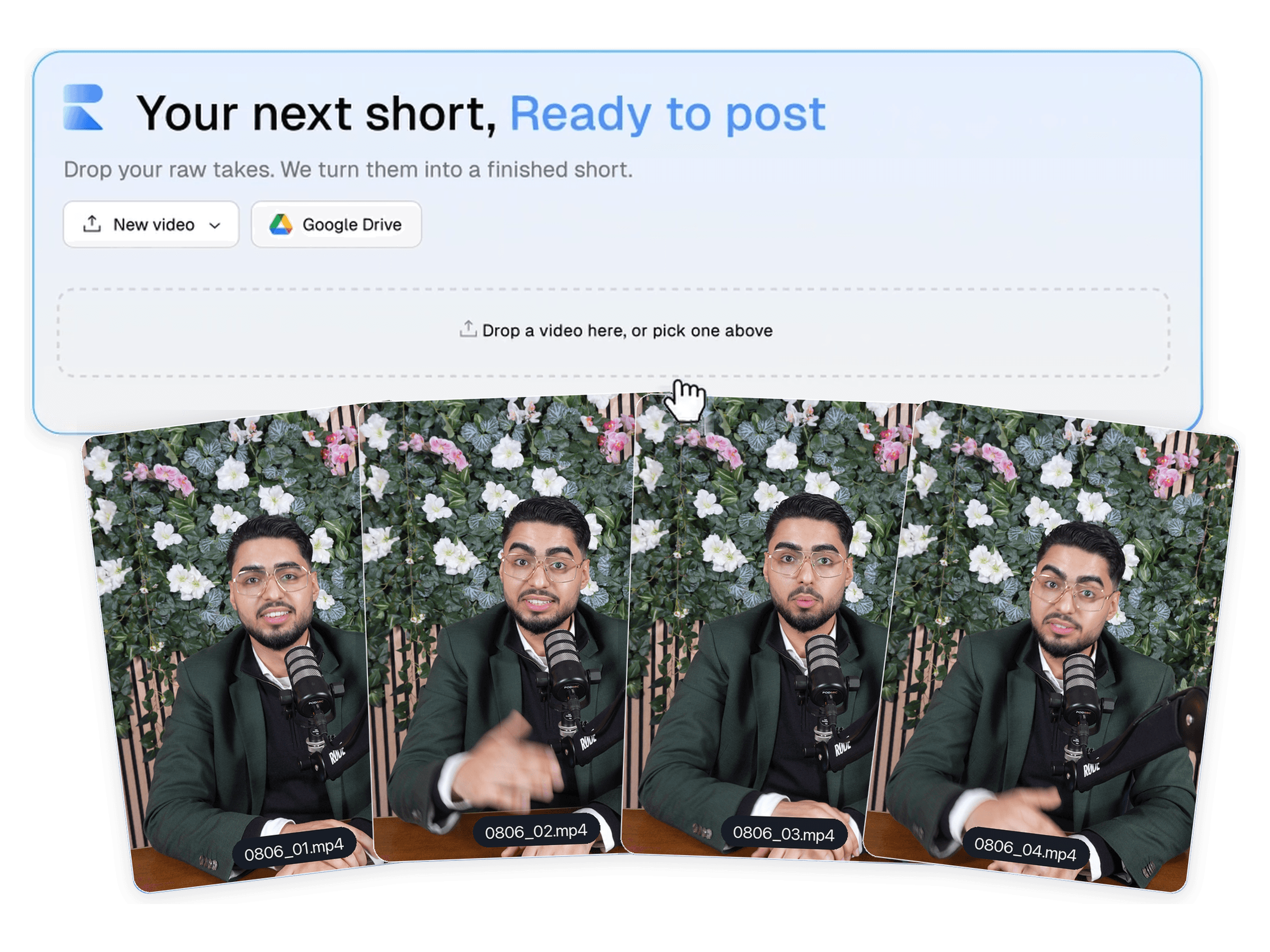
Start with the footage you already recorded.
Upload every take for one video from your device, or import them from Google Drive. Add the script or the topic, pick a brand kit, and ReadyForm shows the cost before it starts: one standard video is 250 ReadyCredits.
Then it works through the takes: transcribes them, chooses the cleanest version of each part, cuts the stutters and silences, and builds one story. Zooms, captions, b-roll, sound effects and a colour grade come on top. You can close the tab.
Statuses you will see: not started, processing, ready, failed (with a retry).
What happens inside the edit.
These are the stages ReadyForm runs on every video, in this order. Nothing here needs you.
Transcribe
Every take is transcribed word by word, so the editor knows what was said and when.
Pick the takes
Where you recorded the same part more than once, the cleanest version is chosen.
Cut
Stutters, false starts and silences go. What stays is the sentence you meant.
Zoom and frame
Punch-ins on the moments that carry weight, framed for vertical.
Captions
Word-timed captions in the style of your brand kit, with the key words highlighted.
B-roll, sound and colour
Supporting footage on the right lines, sound effects on the cuts, a colour grade.
A real editor, already filled in.
The editor opens on your finished video, scene by scene, with the transcript beside it and the timeline below: source takes, audio, and every element ReadyForm added. Nothing to build from scratch. Change what you want and the video re-renders.
- Swap a scene for another take
- Cut a scene, or move a cut
- Add or remove b-roll and zooms
- Add text or a sound effect
- Edit the words, and the captions follow
- Undo, redo, preview
Set your style once. Every edit follows it.
A brand kit is the instruction set the editor works from: colours, fonts, caption style, and a few words about what you do. Those words also steer which b-roll gets picked and which words get highlighted. Make several kits if you run several channels.
Caption controls
- Font and size
- Text and highlight colour
- Highlight background
- Animation and effects
- Words per caption
- Position and uppercase
Download the short, in every format.
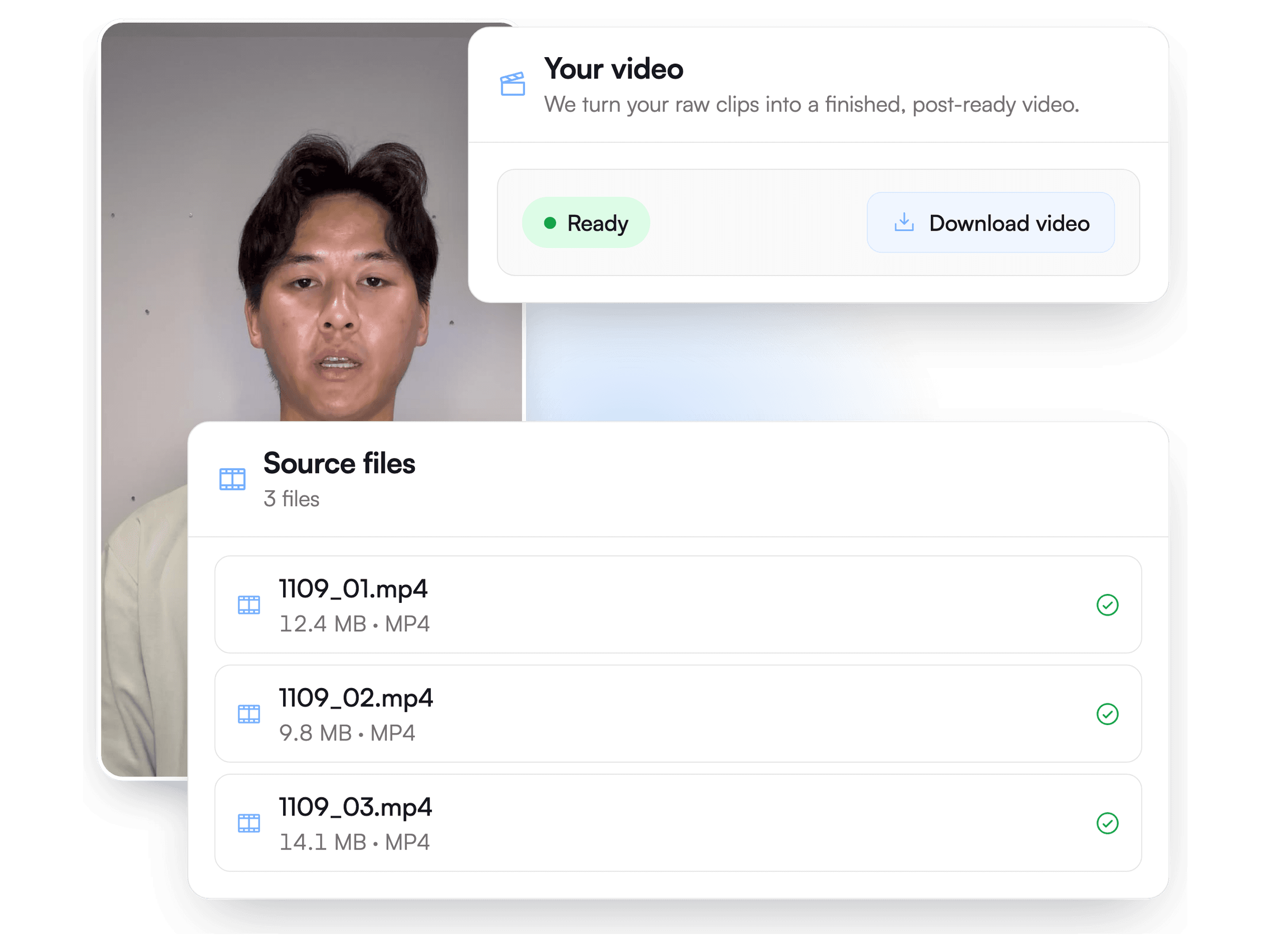
The finished video is ready when the edit is: 9:16 for Reels, TikTok and Shorts, plus 1:1 and 16:9, without a watermark. Your projects stay searchable by status and brand, so you can come back to any edit later.
ReadyForm does not publish for you. Where and when is your call.
Not a clipping tool. Not an empty timeline.
| Tool | Starts with | Does | You still |
|---|---|---|---|
| Traditional editor | Raw footage and an empty timeline. | Gives you manual controls. | Build the complete edit yourself. |
| Long-form clipping tool | A podcast, webinar or long recording. | Finds shorter moments. | Review and fix the generated clips. |
| Caption tool | A video you already edited. | Adds or styles subtitles. | Do the rest of the edit. |
| ReadyForm | The raw takes for one short-form video. | Makes the complete edit and renders it. | Publish. Change something only if you want to. |
Questions about how it works?
What does ReadyForm do?
It turns the raw takes you recorded for one short-form video into one complete edit and renders it: takes picked, mistakes cut, captions, zooms, b-roll, sound and colour added. You download the finished short, and open the editor only if you want to change something.
Can I import footage from Google Drive?
Yes. Connect Google Drive once and pick files straight from it; large 4K sources are fine and are scaled to 1080 for the edit.
Is there a real timeline?
Yes. The editor shows your finished video scene by scene, with the source takes, the audio and every added element, next to the transcript. Not an empty timeline you have to fill.
Can I customise captions?
Yes: font, size, colours, highlight colour and background, animation, effects, words per caption, position and uppercase. Set it once in a brand kit and every edit follows it.
What is a brand kit?
The instruction set the editor works from: your colours, fonts and caption style, plus a few words about what you do. Those words also steer which b-roll gets picked and which words get highlighted.
How long does an edit take?
That depends on the length of your takes. Most edits of a few minutes of footage are ready within minutes, and you can leave the page while ReadyForm works.
Do I have to review the edit before I get the video?
No. The edit renders by itself and the finished short is ready to download. Review is there for when you want it, not a step you have to pass.
In which formats can I export?
9:16 for Reels, TikTok and Shorts, plus 1:1 and 16:9, without a ReadyForm watermark.
Your raw takes are ready. Turn them into a short.
Every plan starts with 7 days free: 750 ReadyCredits, up to 3 standard videos, the complete editor and no watermark. $0 today.