Set your style once. Every edit follows it.
A brand kit is the instruction set the editor works from: your colours, fonts, caption style and logo, plus a few words about what you do and who you talk to. Pick it when you upload, and the finished video comes back in your style. Those words also steer which B-roll gets picked and which words get highlighted.
ReadyForm applies the kit. You look at every video before it goes out; a saved style does not replace your brand guidelines.
What is a video brand kit?
A video brand kit is a saved set of visual settings reused across video projects: colours, fonts, logo, caption styling and the tone the editor should work in.
It is not a template. A template fixes a layout or a sequence. A brand kit keeps the approved visual choices consistent while the content, the structure and the length of every video change. In ReadyForm the kit goes one step further: the short description of your work inside it tells the editor what your videos are about, which changes the B-roll it looks for and the words it highlights.
It does not enforce your full brand guidelines, generate a logo, or guarantee that every video is on brand without you looking at it.
The footage changes. The brand should not start from zero.
Without a saved style, every new video repeats the same decisions: which logo file, which colours, which font for the captions, how emphasis looks, where branding may appear, whether this one still matches the last one. Small differences pile up across a content library.
With a brand kit those decisions are made once. Every edit made with it comes back in the same style, and a second kit covers a second channel, a second brand or a client.
Build the edit from your footage without rebuilding the visual style every time.
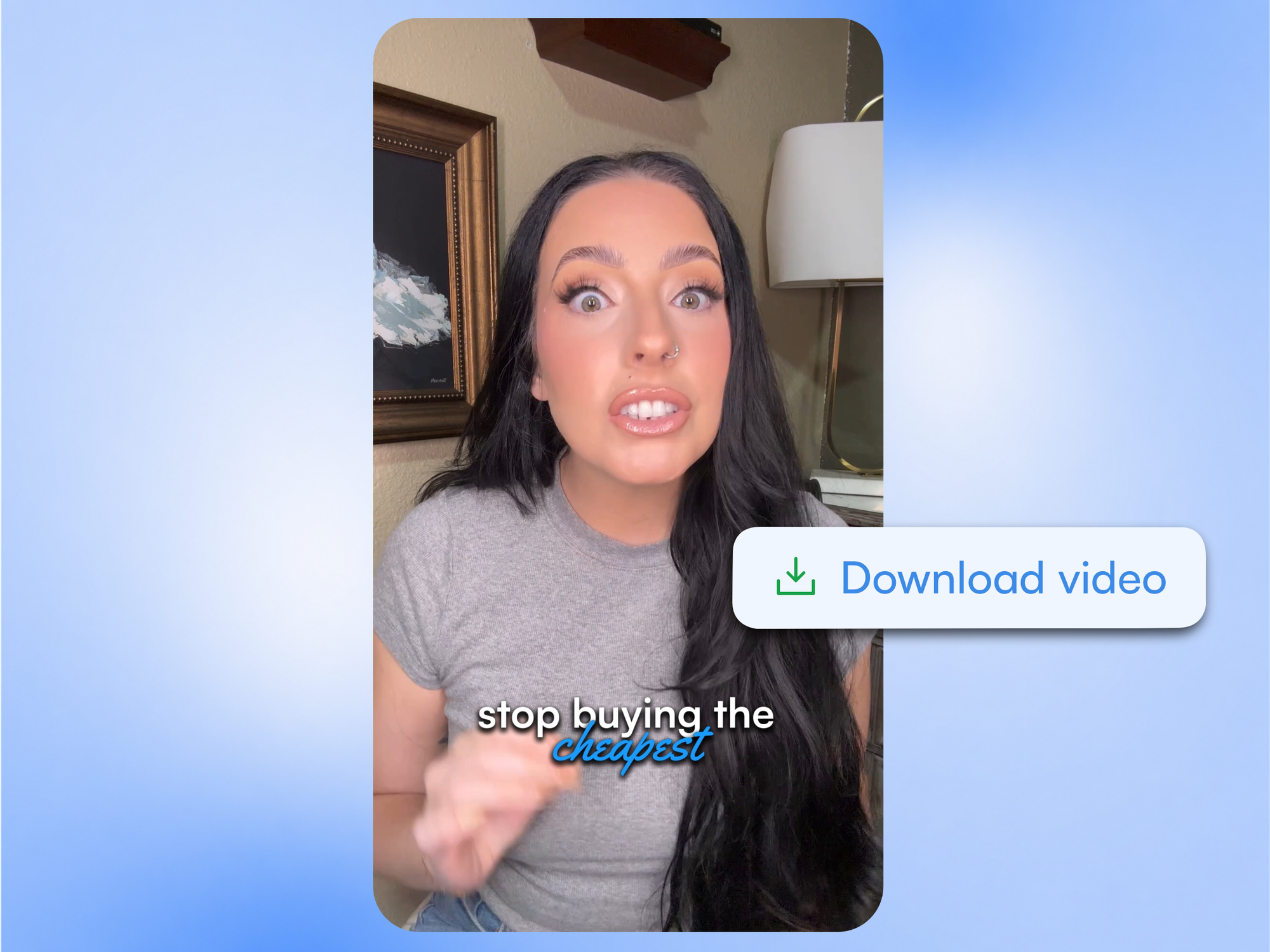
What goes into a brand kit.
Everything the editor needs to make a video look like yours, and to know what it is about.
Colours
Text and highlight colour, highlight background, the colours captions and graphics use.
Fonts and size
The typeface and size for captions and on-screen text.
Caption style
Words per caption, position, uppercase, animation and effects. The look of the captions in every video made with the kit.
Logo and position
A logo for reuse, and where it sits in the frame.
A few words about what you do
Who you are, what you make, who you talk to. This steers the B-roll search and the highlighted words.
Several kits
One per channel, brand or client. Pick the kit when you upload.
Keep the visual identity while the content changes.
A brand kit works across different messages and scene structures; it keeps fonts, colours and branding consistent and is applied inside every edit. The brand stays recognisable without every video being forced into the same creative structure. A saved setting remains reviewable: consistency should never prevent a video-specific correction, and the editor lets you make one.
Brand kits are built for creators keeping a personal brand visually connected, founders and experts with one professional identity, and teams making several channels look like one brand, or two. They are not a logo generator, a brand-identity platform, a trademark-compliance tool, a locked enterprise governance system or a replacement for brand guidelines.
Try it on your own footage for $0 today.
Every plan starts with 7 days free: 750 ReadyCredits, up to 3 standard videos, the complete editor, no watermark.
Start 7-day free trialQuestions before you upload?
How does ReadyForm apply a brand kit?
You pick the kit when you upload the takes. The edit is made in its colours, fonts and caption style, with its logo where you placed it, and its description steers the B-roll and the highlighted words.
Can I create several brand kits?
Yes. One per channel, brand or client, and you choose which one when you upload.
Can I add my logo?
Yes. A logo and its position in the frame are part of a kit.
Can I upload my own fonts?
No. Choose from the available fonts in the kit.
Are brand kits the same as templates?
No. A template fixes layout or structure; a brand kit keeps the visual choices consistent while the content and structure change.
Does a brand kit guarantee every video follows my brand guidelines?
No. It applies the saved settings to every edit; checking the finished video against your full guidelines stays with you.
Can I try brand kits?
Yes. Every plan starts with 7 days free: 750 ReadyCredits for up to 3 standard videos, brand kits included. A payment method is required, $0 is charged today, and you can cancel anytime from your account.
Related: All features · Automatic video captions · AI B-roll generator · Social media video editor
Save the style once. See it on your own footage.
Set up a brand kit, upload the takes for one short video, and watch it come back in your style.