Turn your short-form takes into a complete edit.
ReadyForm is a short-form video editor for creators, experts and teams who record original short-form videos in multiple takes. Upload the openings, explanations, examples and ending recorded for one video; ReadyForm makes the complete edit and renders it, ready for wherever short-form is watched.
Built for original short-form recordings, not for clips extracted from podcasts or long videos.
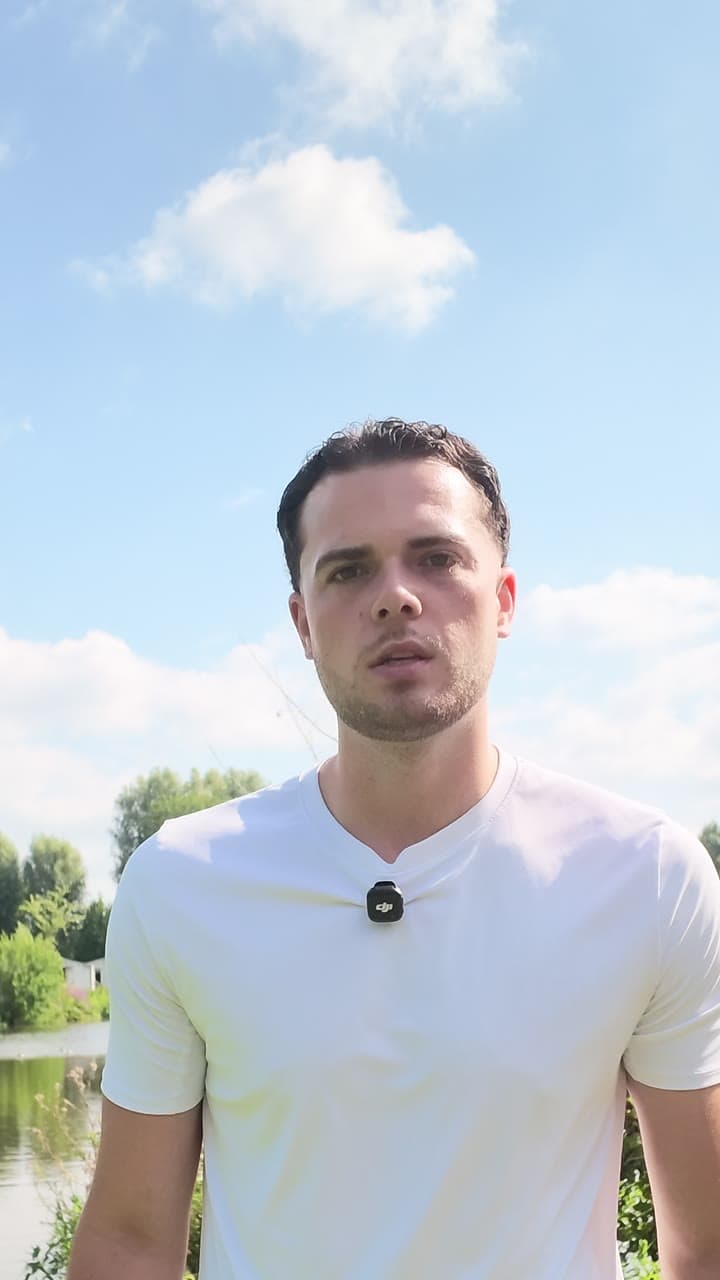
What is a short-form video editor?
A short-form video editor is software used to prepare concise videos for mobile, social or professional channels: cutting footage, arranging scenes, adding captions, setting the pacing, adding visuals and exporting in a vertical or platform-ready format.
There are two very different kinds. One starts with something long, a podcast, a webinar, a talk, and cuts it into short pieces. The other starts with something short that was recorded as short: the separate takes for one video. ReadyForm is the second kind. It takes those takes, chooses, cuts, captions, paces, adds B-roll and sound, and renders the finished video.
It does not find short-form ideas inside long videos. It helps finish the short-form idea you already recorded.
The idea is recorded, but the video is not finished.
A recording session for one short video leaves two or three hook versions, a restarted explanation, a stronger second example, pauses, a rewritten ending, and takes that differ by a word. The creator has the content, but not one connected video.
Traditional editing means importing everything, watching it all, cutting away, choosing material per scene, building the sequence, adding captions, fixing the pacing, adding visual support, reviewing the whole thing and exporting. ReadyForm does all of that from the takes, and you start at a finished video.
Start with a video to look at, not an empty timeline.
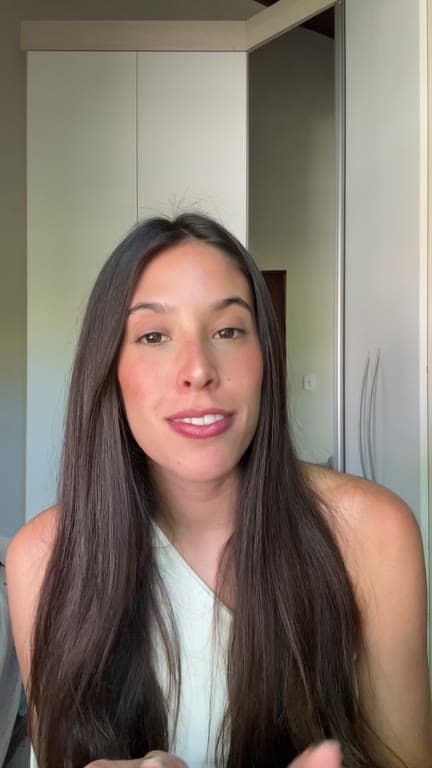
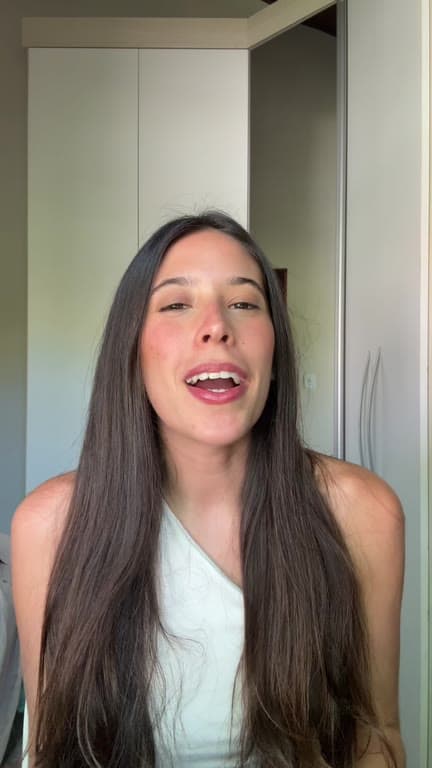
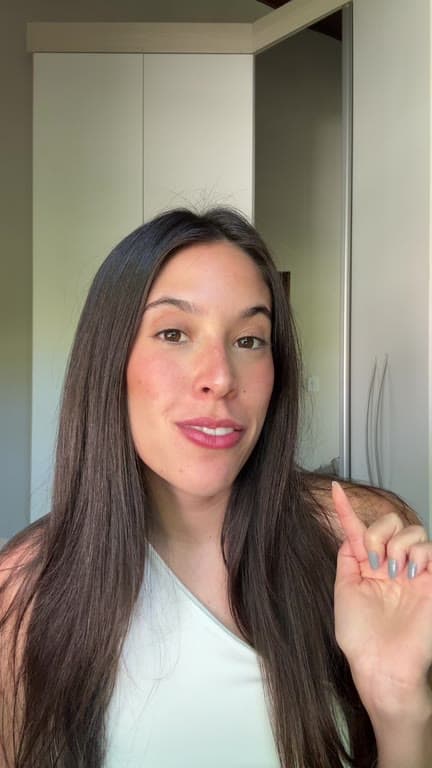
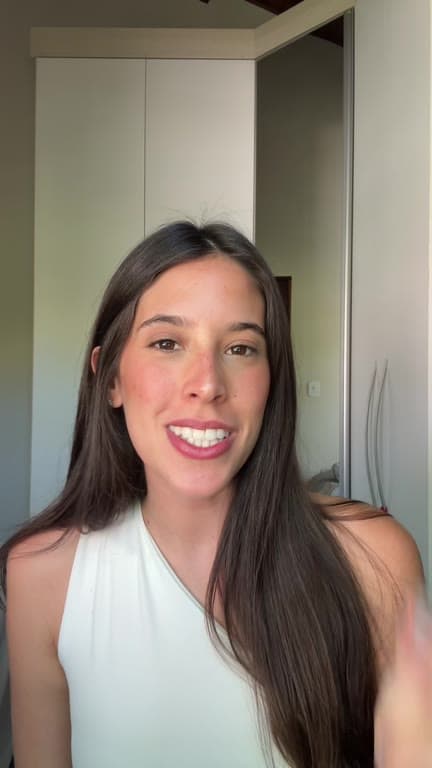
From separate takes to one video.
Record the idea in parts. Get it back whole.
01
Record one short-form idea
Record the hook, the core explanation, an example, the supporting point and the conclusion as separate pieces. Alternative takes of each are welcome, including the ones where you lost the thread halfway through. Those are the versions the edit compares against each other.
02
Upload the raw takes
All the recordings for that one video go into a single project, from your device or from Google Drive. Pick a brand kit and the colours, fonts and caption style are settled before anything starts. You do not need to trim, rename or order anything first.
03
ReadyForm makes the edit
Every take is transcribed, the cleanest version of each part is chosen, and the restarts, silences and false starts are cut. Captions, pacing, B-roll, sound and colour are added on top. It is rendered as one connected video, not handed back as a timeline for you to finish.
04
Download, or change anything first
The video comes out in 9:16, 1:1 and 16:9 without a watermark. If you want the last word, the editor opens on the finished version and shows every scene with the take it came from. Swap, cut or add anything you like, and it re-renders.
Short-form editing without starting from zero.
What ReadyForm makes of the takes, and what stays in your hands.
The complete structure
The recordings for one idea become one connected video, scene by scene, each scene tied to the take it came from.
Cuts and cleanup
Pauses, retakes and unwanted sections removed; the message stays in order.
Short-form captions
Word-timed, readable on a phone, styled and positioned by your brand kit.
Pacing, zooms, B-roll and sound
The rhythm of a short video: punch-ins, cut points, supporting footage, sound effects, a colour grade.
Brand kits
Set your style once; every edit follows it. Several kits for several channels or clients.
Your judgement, kept
The final say stays with the person whose message, expertise or brand is in the video. Everything is visible, everything is changeable.
Short-form content with one clear message.
Videos built around knowledge, experience or explanation. The kind where you talk and the edit has to keep up.
Talking-head videos
Straight to camera, in several manageable takes.
Expert and thought-leadership videos
One lesson, observation or standpoint; professional knowledge as concise content.
Educational videos
One principle, process or method.
Product explanations
What a product does, or one part of a workflow.
Personal-brand videos and business updates
Experience and opinion under your own name; news and expertise from the company.
UGC-style videos
Creator-led product and experience content in a natural short-form format.
Edit once. Post where short-form is watched.
One edit, every destination. The platform pages describe the workflow per channel.
TikTok
Creator insights, educational videos, product explanations, direct-to-camera.
Instagram Reels
Personal-brand content, creator stories, educational video, visual demonstrations.
YouTube Shorts
Concise lessons, opinions, explainers.
Professional insights, thought leadership, founder content, business updates, in 1:1 or 16:9 if you prefer.
Two different short-form workflows.
ReadyForm starts with a short-form idea recorded as short-form content.
Original short-form editing starts with several takes for one concise video and ends with that one video, complete. Long-form clipping starts with a podcast, webinar or long video and ends with extracted highlights. Text-to-video starts with a prompt or a script and generates footage. Avatar video starts with a script and a synthetic presenter.
CapCut combines a traditional editor with templates, effects and long-video-to-shorts tools. OpusClip is built around repurposing longer videos into short clips. Descript offers short-form editing inside a transcript-driven video and podcast environment. ReadyForm does one thing they do not: the complete edit of a short video you recorded as a short video, from its takes.
Know when ReadyForm fits the workflow.
ReadyForm is built for original short-form footage, multiple takes for one video, one central topic or message, vertical and social-first viewing, the complete edit with captions and visuals, and export in every format.
ReadyForm is not a long-form clipping platform, a podcast repurposing product, an avatar generator, a text-to-video generator, a visual-effects suite or a social scheduler. It does not promise viral performance, and it does not replace your own look at the video before it goes out. It is not affiliated with TikTok, Instagram, YouTube or LinkedIn.
Try it on your own footage for $0 today.
Every plan starts with 7 days free: 750 ReadyCredits, up to 3 standard videos, the complete editor, no watermark.
Start 7-day free trialQuestions before you upload?
What is short-form video editing?
Turning concise recorded footage into one coherent video: selecting takes, ordering scenes, removing unwanted parts, adding captions, setting the pacing and preparing the final format.
What is an AI short-form video editor?
An editor that automates those tasks: processing the footage, making the cuts, ordering the scenes, captioning, pacing and assembling the edit. ReadyForm automates the whole chain for the takes recorded for one short video.
How does ReadyForm edit short-form videos?
It transcribes the separate takes for one video, picks the cleanest version of each part, cuts the mistakes, adds captions, zooms, B-roll, sound and colour, and renders the finished video with every scene tied to its source take.
Can I upload several takes for one video?
Yes. That is the whole idea: several takes in, one video out.
Is ReadyForm a TikTok, Reels and Shorts editor?
Yes. It makes vertical short-form videos for TikTok, Instagram Reels, YouTube Shorts and other channels; the platform pages describe each workflow.
Is ReadyForm a long-form-to-short-form clipping tool?
No. It edits footage recorded specifically for one short video. It does not search podcasts, webinars or long videos for clips.
Does ReadyForm publish to social media?
No. It makes and exports the video. Posting happens in each platform's own app, by you.
Can I try ReadyForm?
Yes. Every plan starts with 7 days free: 750 ReadyCredits for up to 3 standard videos. A payment method is required, $0 is charged today, and you can cancel anytime from your account.
Related: TikTok video editor · Instagram Reels editor · YouTube Shorts editor · Vertical video editor
See the complete edit ReadyForm makes of your takes.
Upload the recordings for one short-form video and get the finished version back.