The best AI talking-head video editor depends on how you record.
A talking-head video shows a person speaking directly to the camera while their spoken message stays the central content. But a video recorded in several short takes needs a different workflow from a podcast clip, a transcript edit, a manually built timeline or an AI-generated presenter. This guide compares six tools by what exists before the editing begins. It is not a ranking.
Published by ReadyForm; ReadyForm is one of the six tools compared. Last reviewed July 27, 2026; features and availability differ by plan, platform, device and region.
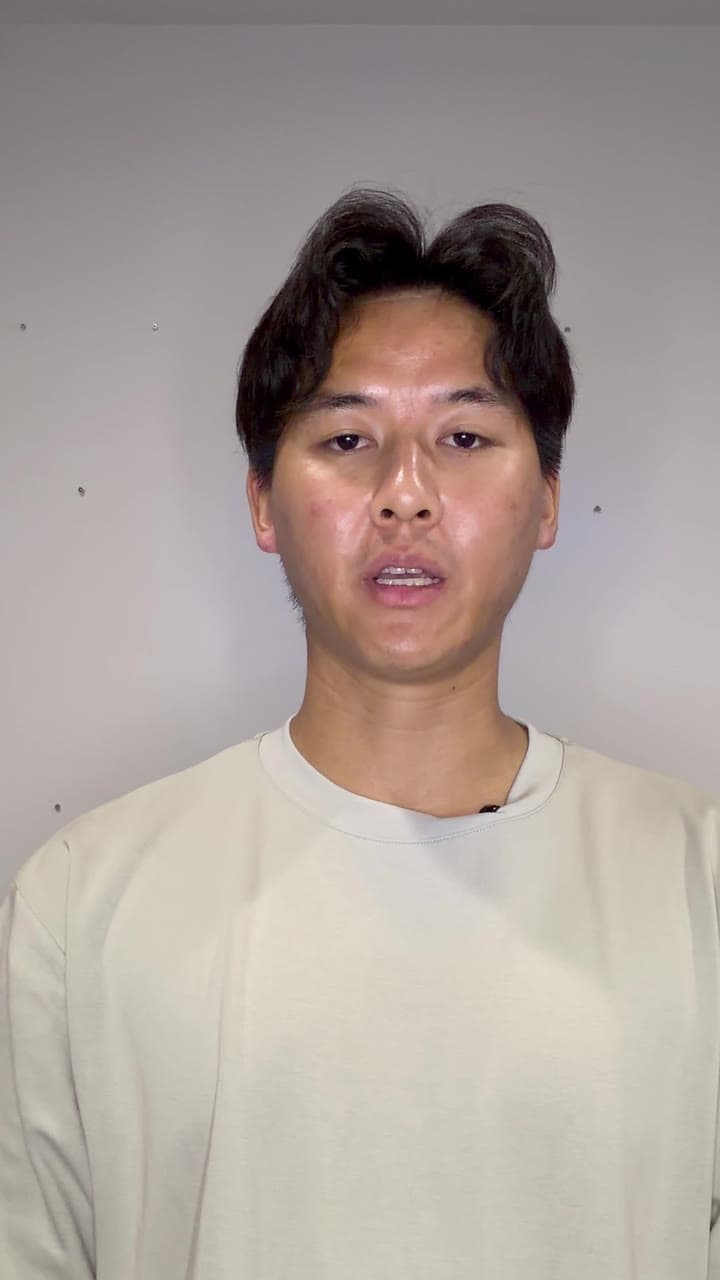
What is the best AI editor for talking-head videos?
There is no single best option. Choose according to what exists before the editing begins.
For original footage recorded in multiple takes: ReadyForm. For broad manual control plus recording tools: CapCut. For extracting talking-head clips from long sources: OpusClip. For transcript-led spoken-media editing: Descript. For broad browser-based creation and editing: VEED. For mobile recording, automatic styling and generated speakers: Captions.
One distinction matters before any comparison: original speaker footage and AI-generated presenters are different content workflows. An avatar is not equivalent to the real expert, and every AI touch on a real face, eye-contact correction included, deserves a look before publishing.
Six tools, six ways to make a talking head.
Unordered. Facts from official documentation as of July 27, 2026.
ReadyForm: assembly from multiple takes
Three hooks, two explanations, a restart, a qualification, two CTAs: ReadyForm picks the takes, cuts, captions, paces, adds B-roll and sound, and renders one video, every scene tied to its take. No teleprompter, no eye-contact correction, no avatars, no podcast clipping.
CapCut: manual control and recording tools
A broad creative editor with timeline controls, captions, effects and templates; the mobile app adds a teleprompter and AI eye-contact correction. Functionality differs per platform.
OpusClip: clips from long talking-head sources
Analyses podcasts and interviews, generates shorter clips, reframes the speaker, and adds captions, B-roll and audio cleanup, with text- and timeline-based adjustments.
Descript: transcript-led editing
Edit the spoken video through its transcript, with Studio Sound, filler-word removal, word-gap tightening, Eye Contact, reframing and Green Screen.
VEED: broad browser workflows
Manual and automatic editing, captions, AI eye-contact correction (documented as suited to clearly visible speakers), and generated presenters, in the browser.
Captions: mobile recording and generated speakers
A mobile camera with adaptive teleprompter and eye-contact correction (iOS and Android), captions, Denoise and one-tap AI Edit, plus AI Twins and a digital actor when there is no footage.
What to compare in a talking-head workflow.
Source-take control: can you verify which performance sits in which scene? Meaning preservation: removing a pause, restart or qualification should not materially change what the speaker meant. Captions: names, terms, numbers and punctuation, corrected before publishing. Pacing: it does not need to be constantly fast. Audio: compare processed audio with the original. Eye contact: check it with fast movement, extreme angles, glasses, changing light or partly covered eyes.
The strongest fit depends on whether the footage needs to be assembled, refined, repurposed or generated. No tool makes a speaker more trustworthy, removes every awkward pause correctly, or guarantees retention, authority, leads or sales.
Where ReadyForm fits, and where it does not.
ReadyForm fits when the talking head was recorded on purpose, in several takes, and the creator wants the complete edit made and shown scene by scene for a final look.
It may not fit when the source is a long podcast that needs many clips, when an integrated teleprompter is required, when detailed visual effects are central, when transcript editing is the preferred interface, when an AI avatar should replace the speaker, or when direct scheduling is required. The other five each cover one of those.
Try it on your own footage for $0 today.
Every plan starts with 7 days free: 750 ReadyCredits, up to 3 standard videos, the complete editor, no watermark.
Start 7-day free trialQuestions before you upload?
Which tool is best for multiple takes?
ReadyForm. It is structured specifically around several recordings for one intended video, with every scene tied to its source take.
Which tool is best for podcast and interview clips?
OpusClip, when the source is an existing long podcast, webinar or interview.
Which tool edits talking-head video through text?
Descript, with transcript-based editing plus a timeline and its audio tools.
Which tools correct eye contact?
CapCut, Descript, VEED and Captions, in supported workflows. Review the result, especially with movement, glasses or poor visibility; Captions and VEED both advise this themselves. ReadyForm does not offer it.
Which tools have a teleprompter?
CapCut's mobile app and the Captions iOS and Android apps. ReadyForm does not.
Which tools offer AI presenters?
Captions and VEED, with avatar-related functionality at Descript and CapCut too. ReadyForm works from footage of the real person.
Does ReadyForm guarantee better talking-head content?
No. That depends on the idea, the speaker, the recording, the choices, the audience and the final look you give it.
Related: Best AI video editing software · Talking-head video editing · Best AI video editing software with captions · ReadyForm vs OpusClip
Recorded your talking head in takes? This is the workflow for it.
Upload the takes and review one complete edit.