AI video editing for the way you create short-form content.
Different videos need different recording and review decisions. ReadyForm turns the separate takes for one short-form video into the complete edit: scenes, cuts, captions, pacing, B-roll, sound and colour. Choose the workflow that matches the content you make.
One product. Different recording and review workflows. ReadyForm makes the edit; you decide what the video says.
What can ReadyForm be used for?
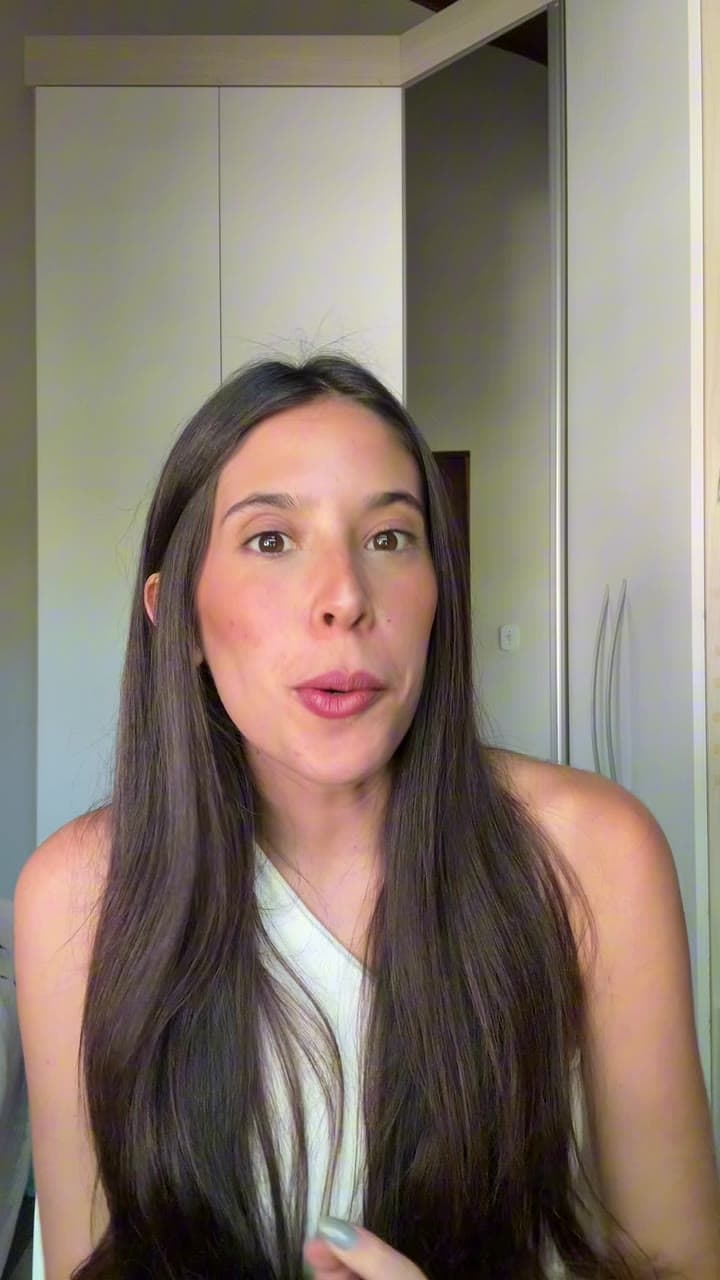
ReadyForm is built for original short-form videos recorded in one or more takes: talking-head content, UGC, educational videos and thought leadership.
The editing is the same underneath: transcribe every take, choose the cleanest version of each part, cut the mistakes, add captions, pacing, B-roll, sound and colour, render. What differs per use case is how you record, what you check afterwards, and what is at stake in the message.
ReadyForm does not write the message, verify the facts, or promise views, engagement, leads or sales for any use case. That stays with the creator, brand or team.
Which kind of short-form video are you making?
Each page covers the recording structure, what the editor does with that kind of footage, and what to check before you post.
Talking-head videos
One person, straight to camera, in several takes. For coaches, consultants, founders, speakers and experts.
Educational and explainer videos
One lesson, process or concept in parts. For trainers, educators, course creators and product experts.
Thought leadership videos
A professional perspective with its evidence and nuance intact. For founders, executives and consultants.
UGC videos
Creator-led product and experience content with a natural delivery. For creators, brands and marketing teams.
Different content. The same finished edit underneath.
Record one intended video in parts or alternative takes. Upload the original footage. ReadyForm makes the edit. Look at what matters for your use case: the take choice for a talking head, the terminology for a lesson, the claims for a UGC video, the nuance for a professional argument. Then post.
ReadyForm is not a long-form clipping platform, a text-to-video generator, an AI avatar creator, a scheduling tool, a replacement for customer consent, or a replacement for factual and editorial review.
Try it on your own footage for $0 today.
Every plan starts with 7 days free: 750 ReadyCredits, up to 3 standard videos, the complete editor, no watermark.
Start 7-day free trialQuestions before you upload?
Which types of video can I edit with ReadyForm?
Original short-form videos: talking-head content, educational and explainer videos, thought leadership and UGC. The use-case pages describe each workflow.
Do I need a different ReadyForm product for each use case?
No. The edit is the same underneath; only the recording structure and what you check afterwards differ.
Does ReadyForm work with several takes per use case?
Yes. Every use case is built around several recordings for one intended video.
Does ReadyForm create the final message for me?
No. It makes the edit. The creator remains responsible for the message, its accuracy, consent where needed, and the decision to post.
Related: Inside ReadyForm · Short-form video editor · Plans and pricing
Start with your own video type.
Upload the takes and see the complete edit ReadyForm makes of them.