Turn coaching insight into finished short videos.
You usually know what you want to teach. Between sessions, group calls, intakes and programme delivery, editing is the task that keeps getting postponed, and trust takes consistency. ReadyForm turns the takes you record, the framework, the question, the practical lesson, into one finished video, so staying visible costs a recording and a look, not an evening.
For public-facing footage you record yourself. Private client sessions are not content, and ReadyForm is not a coaching platform or an AI coach.

Is ReadyForm built for coaches?
Yes: for coaches who help clients change through guidance, questions and accountability, and want the advice they give one person to reach the people who have not booked yet.
Record one lesson in takes: three openings, a longer explanation, a clearer second one, a corrected example, a takeaway, a CTA. ReadyForm picks the cleanest of each, cuts the restarts, adds captions in your style, paces it, adds visuals and sound, and renders the video. The transcript beside the edit is where you check the wording of the advice.
It does not generate coaching advice, record your clients, or promise programme sales. The lesson is yours; whether it should be public is yours to decide.
The insight already exists. It should not stay in one conversation.
Insight stays private because the video never gets finished. Trust takes consistency, and consistency is exactly what an editing backlog kills. Too many takes per lesson. And editing loses priority every single week.
ReadyForm takes the assembly off your plate: one recording session, one upload, one finished video in your style, and a look at the wording before it goes out.
Protect the person. Share the lesson.
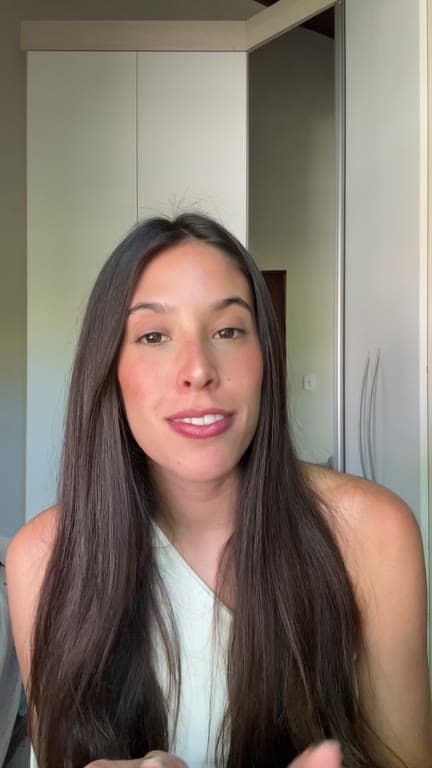
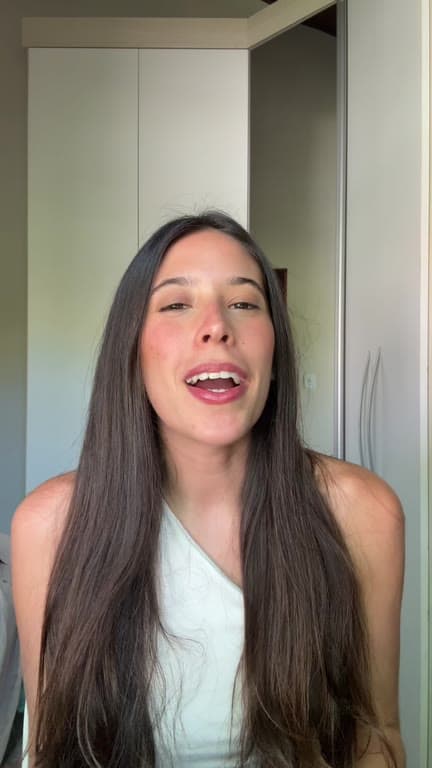
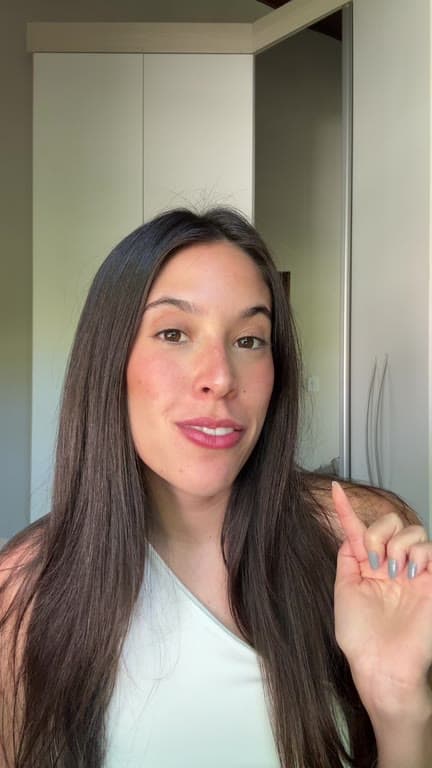
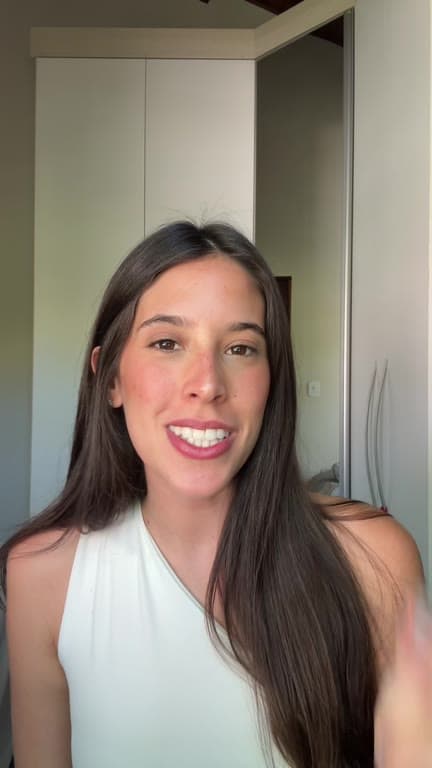
Isolate the lesson. Record the takes. Look at the advice.
The same four steps between every intake.
01
Isolate one lesson
Pick one thing: a framework you teach, a question clients keep asking, or a single exercise. Record the opening, the explanation, an example and the takeaway as separate takes, the way you would say them in a session. One lesson per video is plenty.
02
Upload with your brand kit
All the takes for that lesson go into one project with your brand kit selected. The kit holds your colours, your fonts and your caption style, so the video you make this week looks like the one you made in January. That is what makes a series recognisable.
03
ReadyForm makes the edit
ReadyForm listens to every take, keeps the version where the explanation came out cleanly, and cuts the restarts and the pauses where you were still choosing a word. Captions, pacing, supporting visuals, sound and colour are added, and the video is rendered. You get a finished lesson back, not a timeline to build.
04
Look at the advice, then post
Read it once as a coach: the wording, the context around the advice, the example you used, and whether a client could be recognised in it. Change a word in the transcript, or swap in another take if a line came out sharper elsewhere. Then download it and publish.
The videos a coach records.
One lesson each. General enough to share, specific enough to help.
Frameworks and practical exercises
The model you teach, and one thing to try this week.
Common questions and misconceptions
What clients keep asking, answered once for everyone.
Reflective prompts and observations
A question to sit with; a pattern you keep seeing.
Personal stories and programme explanations
Why you do this, and what working with you looks like.
What stays with you before you post.
ReadyForm organises the footage. You remain responsible for whether it should be public.
Client confidentiality
The general lesson, never the private or identifiable detail. No session recordings without rights and consent.
The advice and its context
Whether the framing holds outside the room it came from.
Claims and captions
No unsupported outcome claims; no casual medical, financial or therapeutic statements. Every word editable in the story view.
What goes out, and when
You decide whether the message should be public. Nothing is posted automatically.
Try it on your own footage for $0 today.
Every plan starts with 7 days free: 750 ReadyCredits, up to 3 standard videos, the complete editor, no watermark.
Start 7-day free trialQuestions before you upload?
Can I make content from questions clients ask?
Yes, as long as the general lesson stays separate from private or identifiable client information.
Can ReadyForm edit recordings of coaching sessions?
It is built for public-facing footage you record on purpose. Private sessions should not become content without rights and consent.
Does ReadyForm generate coaching advice?
No. The advice, the context and the claims are yours.
Can I keep my coaching brand consistent?
Yes. A brand kit holds your colours, fonts, caption style and logo for every video.
Does ReadyForm publish the videos?
No. You review, download and publish yourself.
What does the trial include for a coach?
7 days, 750 ReadyCredits, up to 3 standard videos. $0 today; cancel anytime from your account.
Related: Who it's for · Consultants · Trainers · Talking-head video editing
Your next coaching insight is ready to share.
Record one lesson in takes and see the finished video.