TikTok ideas move quickly. Your editing should keep up.
You record four versions of the hook, film the explanation in sections, retake a sentence, add an ending. Then the idea sits in the camera roll until there is time to edit, and by then it is less timely. ReadyForm makes the edit while the idea is still relevant: upload the takes, get the finished TikTok back, review it, post it.
ReadyForm is a separate editing workspace for your own footage, not TikTok's editor and not connected to TikTok. You post in the app, with the sound you choose there.
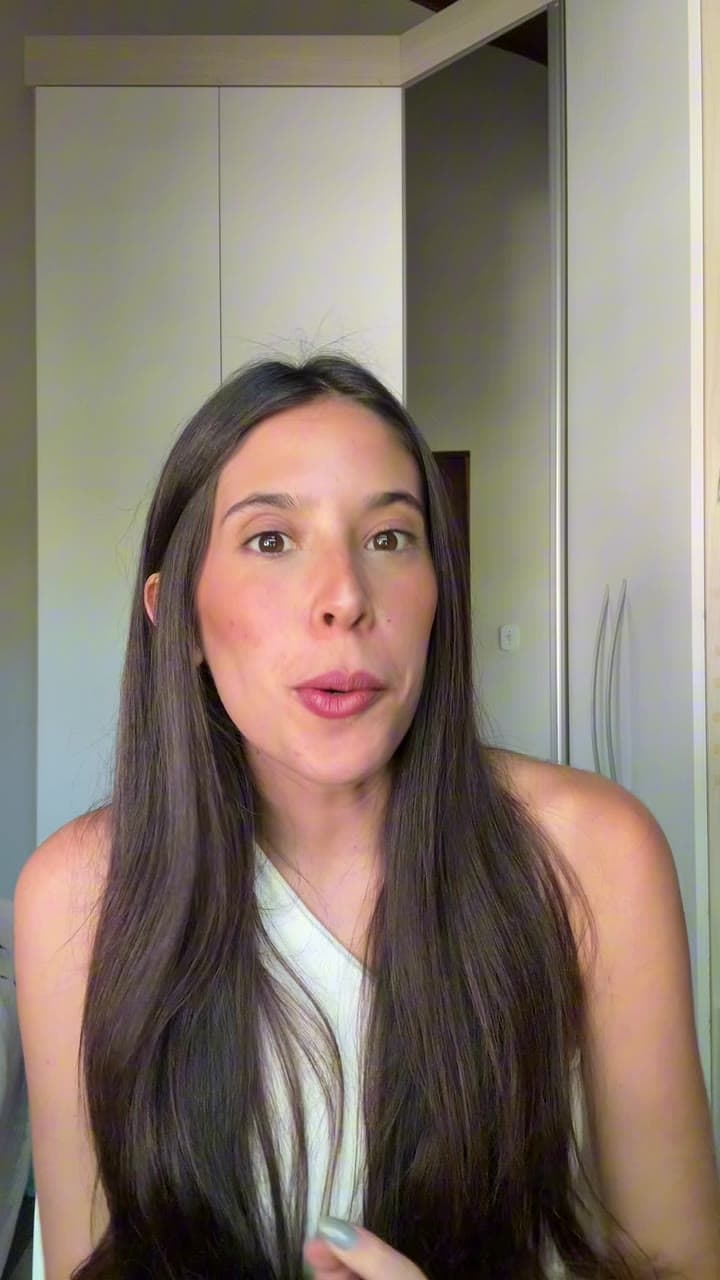
Which TikTok creators is this for?
Creators who record original short videos for TikTok, publish often, want content to feel natural rather than overproduced, and still look at every video before it goes up.
ReadyForm reads all the takes for one TikTok, picks the cleanest hook and the cleanest version of each part, cuts the restarts and silences, adds captions in your style, paces it for a vertical screen, adds B-roll and sound, and renders it. Fast should not mean unclear, and native should not mean disorganised; the edit is quick and the result is finished.
It does not find trends, pick sounds, predict which hook performs, post, or promise views. The tool itself is described on the TikTok video editor page; this page is about the way you work.
Too many hooks. Too little time. A growing camera roll.
Every TikTok starts from zero: which of the four hooks, where to cut the explanation, the same caption work again. Time-sensitive ideas get outdated while they wait. The camera roll grows faster than the editing.
ReadyForm turns that into one upload per video. The hook decision is made and shown to you; the captions come in your saved style; and the video is ready in minutes instead of at the end of the week.
Edit first. Publish intentionally.
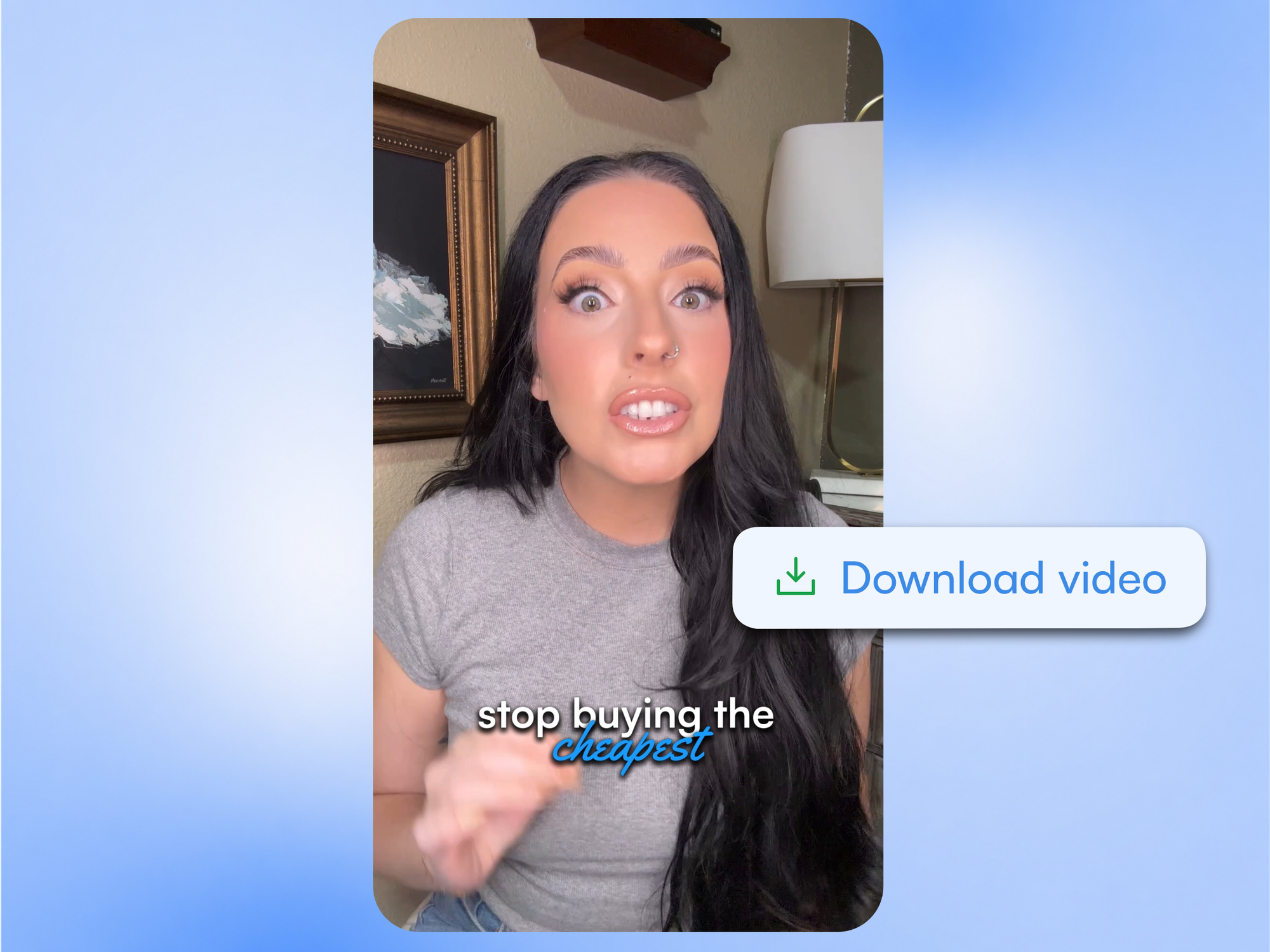
Record naturally. Review one complete video.
The daily routine, without the daily editing.
01
Record the idea
Record a few hooks, the explanation in sections, an example and an ending, straight from your phone. If you stumble halfway through a sentence, say it again and carry on. ReadyForm compares the versions and keeps the clean one, which is why the retakes are worth uploading.
02
Upload the takes
Everything you shot for that video goes into one project, straight from your phone, without sorting it first. Pick your brand kit and the caption style is already settled: the font, the highlight colour and the position, the same on every video you post.
03
ReadyForm makes the edit
ReadyForm keeps the hook that works, cuts the restarts and the dead air between sentences, and adds captions, pacing, B-roll, sound and colour. It renders in 9:16. What lands in your downloads is a video you could post, not a project you still have to finish.
04
Review, export, post in TikTok
Swap the hook if you prefer another one; fix a caption. Download and post it in the app, with the sound and the caption text you add there.
The TikToks you make.
Anything with one clear idea and you talking.
Tips and tutorials
One useful thing, quickly.
Opinions, commentary and stories
What you think, what happened.
Q&A and reactions
One question from the comments, answered.
Lists and frameworks
Three things, in order.
Behind the scenes and updates
The process, and where you are with it.
Timely takes
The video that only works this week, made this week.
ReadyForm prepares the video. TikTok remains the platform.
You keep the hook, the message, which scenes and takes stay, the caption wording, the visual treatment, the native TikTok additions and the upload. ReadyForm makes the cut, the captions, the pacing, the visuals and the render.
It is not a TikTok editor, scheduler, trend finder, analytics tool, sound library, hashtag generator or account manager, and it is not affiliated with TikTok. Nothing is published automatically.
Try it on your own footage for $0 today.
Every plan starts with 7 days free: 750 ReadyCredits, up to 3 standard videos, the complete editor, no watermark.
Start 7-day free trialQuestions before you upload?
Can I upload several hooks and let ReadyForm choose?
Yes. It picks the cleanest one and shows you which. Prefer another? Swap it and the video re-renders.
How fast is the edit?
Minutes for a few minutes of footage, and you can close the tab. Quick enough for an idea that only works today.
Does ReadyForm provide trending TikTok sounds?
No. It adds sound effects on the cuts; you add a TikTok sound in the app when you post.
Does ReadyForm post to TikTok or connect to my account?
No. You download the finished video and post it yourself. There is no integration and no affiliation.
Where is the TikTok video editor itself described?
On the TikTok video editor page, which covers what the tool does with a TikTok. This page is about the way you work.
What does the trial include for a TikTok creator?
7 days, 750 ReadyCredits, up to 3 standard videos, everything included. $0 today; cancel anytime from your account.
Related: TikTok video editor · Who it's for · Instagram creators · YouTube Shorts creators
Your next TikTok is already recorded.
Upload the takes while the idea is still fresh.