Turn your social video takes into a finished edit.
ReadyForm is social media video editing software for creators, experts and teams who record their own content. Upload the separate takes for one video; ReadyForm makes the complete edit, renders it, and leaves the choice of channel to you.
Built for original social content, not for templates, avatars or clips extracted from long videos. ReadyForm does not post or schedule; you do.
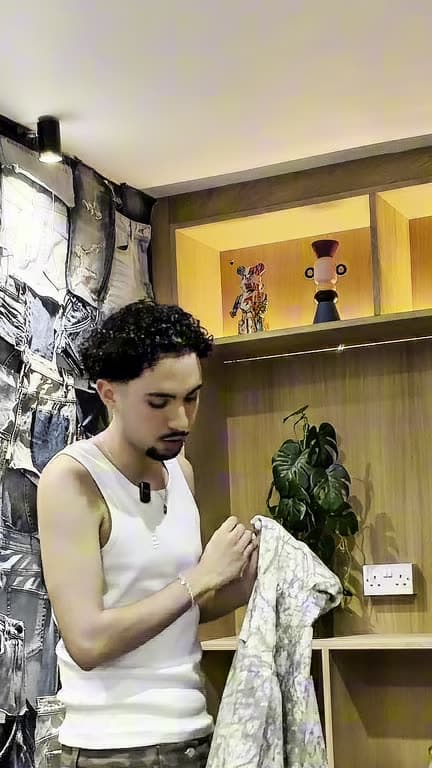
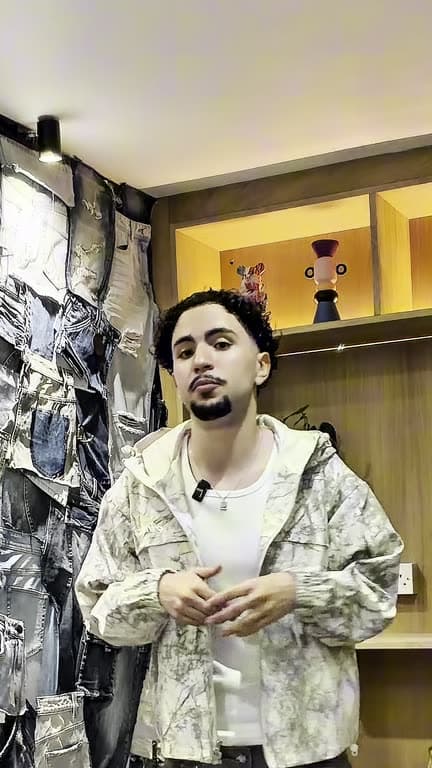
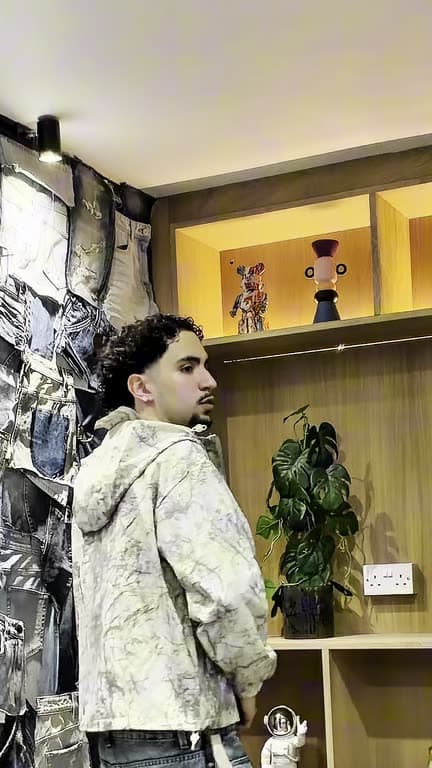
What is a social media video editor?
A social media video editor is software used to cut, arrange, caption and prepare videos intended for social platforms.
Some are template makers. Some are caption tools. Some cut a long recording into clips. ReadyForm is an editor for the footage you actually record for social: the separate takes for one short video. It turns them into one complete edit, captioned and paced and in your style, and gives you the file. Where it goes, TikTok, Instagram Reels, YouTube Shorts or LinkedIn, is a decision you make after the edit, not before.
It is not a scheduler, a content calendar or a publishing tool, and it has no platform integrations. It is not a guarantee of reach either: it makes the video; the platform and the audience decide the rest.
Social content is recorded faster than it is finished.
One short video still produces several raw files: three versions of the opening, a restarted explanation, a separate example, a shorter conclusion, pauses between takes, the corrections and the bits that should not stay.
Then someone has to watch it all, find the usable sections, remove the pauses and retakes, put the scenes in order, prepare captions, check the pacing, add something to look at, watch the complete edit and export it. Per video. Per channel, if you are not careful.
ReadyForm makes the first connected version, and the finished one.
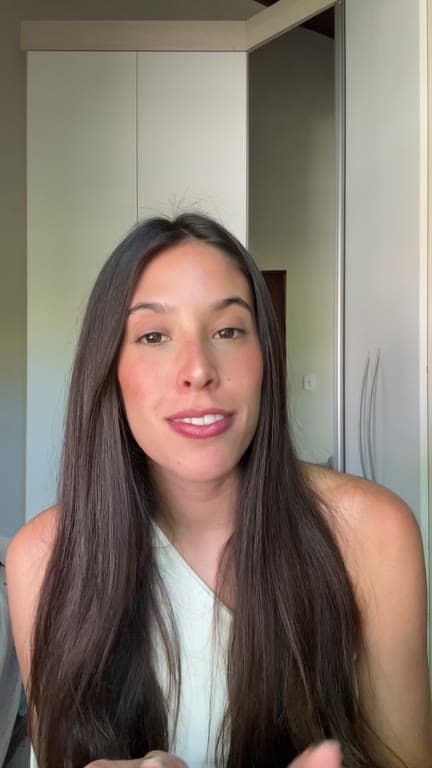
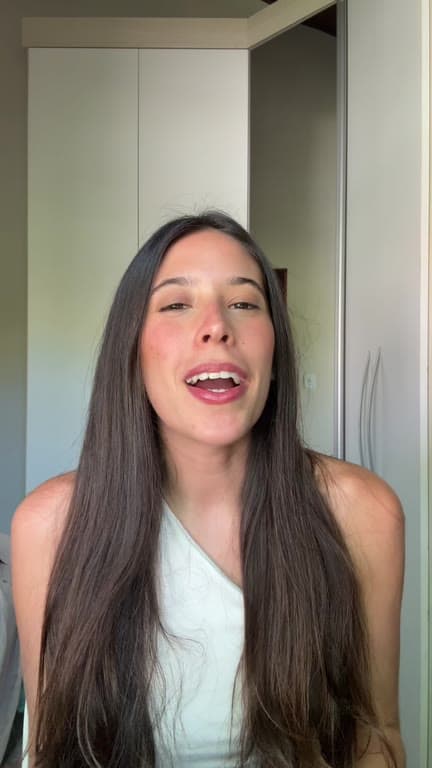
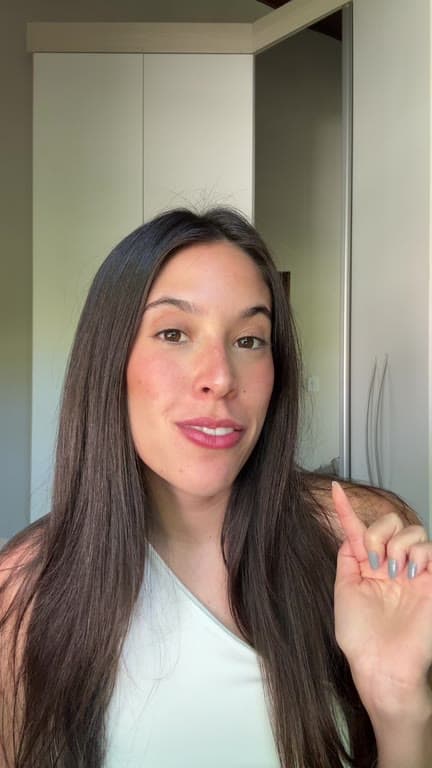
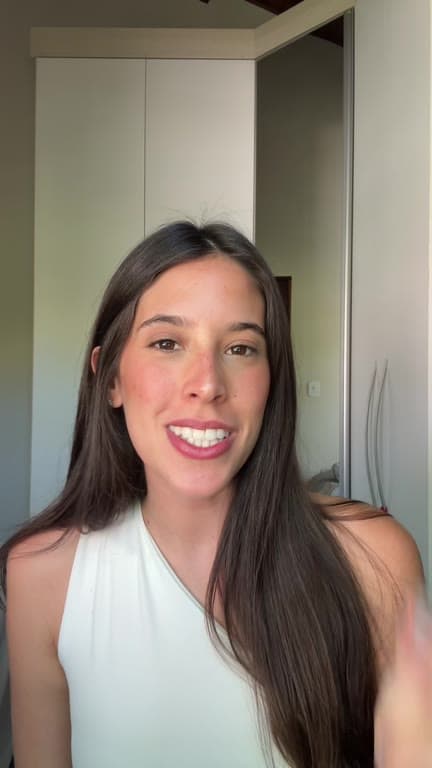
Start with one idea. Finish with a video for any channel.
Record once. Edit once. Decide where it goes afterwards.
01
Record one social video
Record the parts of the message separately: the hook, the context, the core insight, the example and the conclusion. Alternative takes are welcome, and a second attempt at the hook is usually worth the thirty seconds it costs you.
02
Upload the raw recordings
All the footage for that one video goes into a single project, from your phone or from Google Drive. Pick the brand kit for the channel it is heading to, so the captions and colours match what already sits on that account.
03
ReadyForm makes the edit
ReadyForm chooses the takes, cuts the mistakes and the silences, and adds captions, pacing, B-roll, sound and colour. It renders the whole thing as one video. A recording session in the morning can therefore leave your desk as something ready for a feed the same afternoon.
04
Download for the channel
Download it in 9:16 for TikTok, Reels and Shorts, or in 1:1 and 16:9 for LinkedIn and anywhere else it has to go. Each format is composed for its own frame rather than cropped out of the last one. Posting stays in the app you already use.
Editing support for social-first content.
Everything a social video needs before it can go out, done in one pass and yours to change afterwards.
The complete edit
The separate recordings for one social video become one connected, rendered version.
Cuts and cleanup
Pauses, retakes and unwanted sections go; the message stays in order.
Captions
Readable on-screen text, styled by your brand kit, with the key words highlighted.
Pacing, B-roll and sound
Scene lengths and zooms set for the rhythm of a social video; supporting footage and sound effects where they help.
Every format
One edit, exported in 9:16, 1:1 and 16:9, without a watermark.
A brand kit per channel
Colours, fonts and caption style saved once, so a LinkedIn video and a TikTok can look like they came from the same brand, or from two.
Built for content with one clear message.
Creator-led, expert-led and business social video. The kind where you talk and the edit has to keep up.
Creator insights
An observation, a lesson or an opinion, straight to your audience.
Talking-head videos
The message in separate takes, combined into one structured edit.
Thought leadership
Professional expertise as concise social content.
Educational videos
One principle, process or practical method.
Product explanations
One capability or workflow, shown and explained.
UGC-style and business updates
Natural product content, founder updates, company news.
One social-first workflow, different destinations.
Prepare original videos for the channels where your audience watches.
On TikTok: concise creator insights, educational videos, opinions and product explanations. On Instagram Reels: personal-brand content, visual explanations, tutorials and creator stories. On YouTube Shorts: concise lessons, professional insights and vertical educational content. On LinkedIn: thought leadership, expert video, founder content and professional updates.
ReadyForm makes and exports the video. It does not post, schedule, connect to any platform or tune anything for an algorithm, and it is not affiliated with TikTok, Instagram, YouTube or LinkedIn. Platform requirements change; check them in the app before you post.
Built for video editing, not the entire social stack.
ReadyForm is built for original social video recordings, multiple takes for one video, short-form and social-first content, the complete edit with captions and visual media, and export in every format.
ReadyForm is not a social scheduling tool, a content calendar, a post-design platform, a long-form clipping tool, an avatar generator or a text-to-video engine. It does not guarantee engagement and it does not replace your final look at the video before it goes out.
Try it on your own footage for $0 today.
Every plan starts with 7 days free: 750 ReadyCredits, up to 3 standard videos, the complete editor, no watermark.
Start 7-day free trialQuestions before you upload?
What is a social media video editor?
Software used to cut, arrange, caption and prepare videos intended for social platforms. ReadyForm is one built for the footage you record yourself: the separate takes for one short video.
How does ReadyForm edit social media videos?
It transcribes the separate takes for one video, picks the cleanest version of each part, cuts the mistakes, adds captions, pacing, B-roll, sound and colour, and renders the finished video in 9:16, 1:1 and 16:9.
Can I use ReadyForm for TikTok and Instagram Reels?
Yes. It is built for original short-form videos intended for TikTok and Reels. The TikTok video editor page describes that workflow in detail.
Can I use ReadyForm for YouTube Shorts?
Yes. Vertical short-form content for Shorts is exactly the kind of footage it edits.
Can I use ReadyForm for LinkedIn video?
Yes. Original professional and expertise-led short-form video for LinkedIn, exported in 1:1 or 16:9 if you prefer that on the feed.
Does ReadyForm post videos automatically?
No. It makes and exports the video. Posting and scheduling happen in the platform's own app, by you.
Is ReadyForm a social media video maker?
It starts with footage you recorded yourself, so it is an editor, not a template-only or text-to-video maker.
Can I try the social media video editor?
Yes. Every plan starts with 7 days free: 750 ReadyCredits for up to 3 standard videos. A payment method is required, $0 is charged today, and you can cancel anytime from your account.
Related: TikTok video editor · Inside ReadyForm · Plans and pricing
See the edit ReadyForm makes of your social footage.
Upload the takes for one video. Post the result wherever your audience is.