Turn vertical video takes into a complete edit.
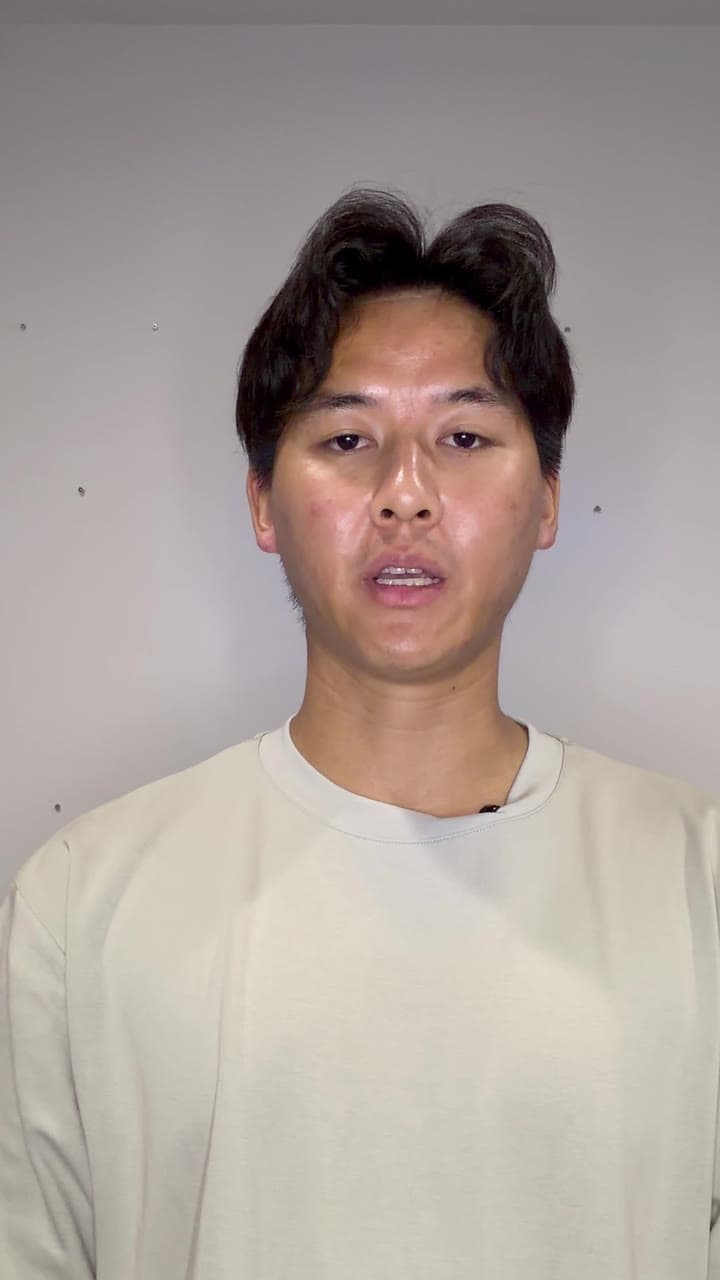
ReadyForm is an AI vertical video editor for footage recorded in a portrait frame. Upload the separate 9:16 takes for one short-form video; ReadyForm makes the complete edit, composed for a phone screen, and renders it ready to post.
Built for footage recorded vertically, not for horizontal video cropped into a portrait frame. ReadyForm does not reframe landscape footage.
What is a vertical video editor?
A vertical video editor is software used to prepare video recorded or displayed in a portrait-oriented frame, commonly 9:16 for mobile-first short-form content.
Resizing changes the canvas. Cropping removes part of the image. Automatic reframing tries to keep a subject inside a different frame. None of those make the edit. ReadyForm does: it takes the vertical takes you recorded for one video and turns them into the finished video, with the cuts, captions, pacing and visuals composed for the frame they will be watched in.
It does not convert horizontal footage to vertical, and it does not promise that captions land inside every platform's safe zone: interfaces and overlays differ per platform and change. The video is composed for 9:16; you check the post in the app.
The format is ready. The video is not.
Recording in a vertical frame solves one part of the workflow. You still have several versions of the hook, a restarted explanation, a stronger second example, pauses between takes, an alternative ending, and footage that has to go.
Before export, someone has to pick the usable sections, build the scene order, remove the pauses and retakes, prepare captions, check where the text sits in the frame, review the pacing and add something to look at. ReadyForm does all of that, in the frame the video was shot in.
ReadyForm makes the vertical video itself, not only the shape of its canvas.
Start with one vertical idea. Finish with the video.
Recorded on a phone, edited for a phone.
01
Record in the intended frame
Record vertically and keep the main subject clearly in the frame. Several takes of each part are fine.
02
Upload the takes
All the recordings for one vertical video go into a single project. Pick a brand kit, which settles the caption font, the highlight colour and where the text sits inside the 9:16 frame. Getting that right once saves you checking it on every video after this one.
03
ReadyForm makes the edit
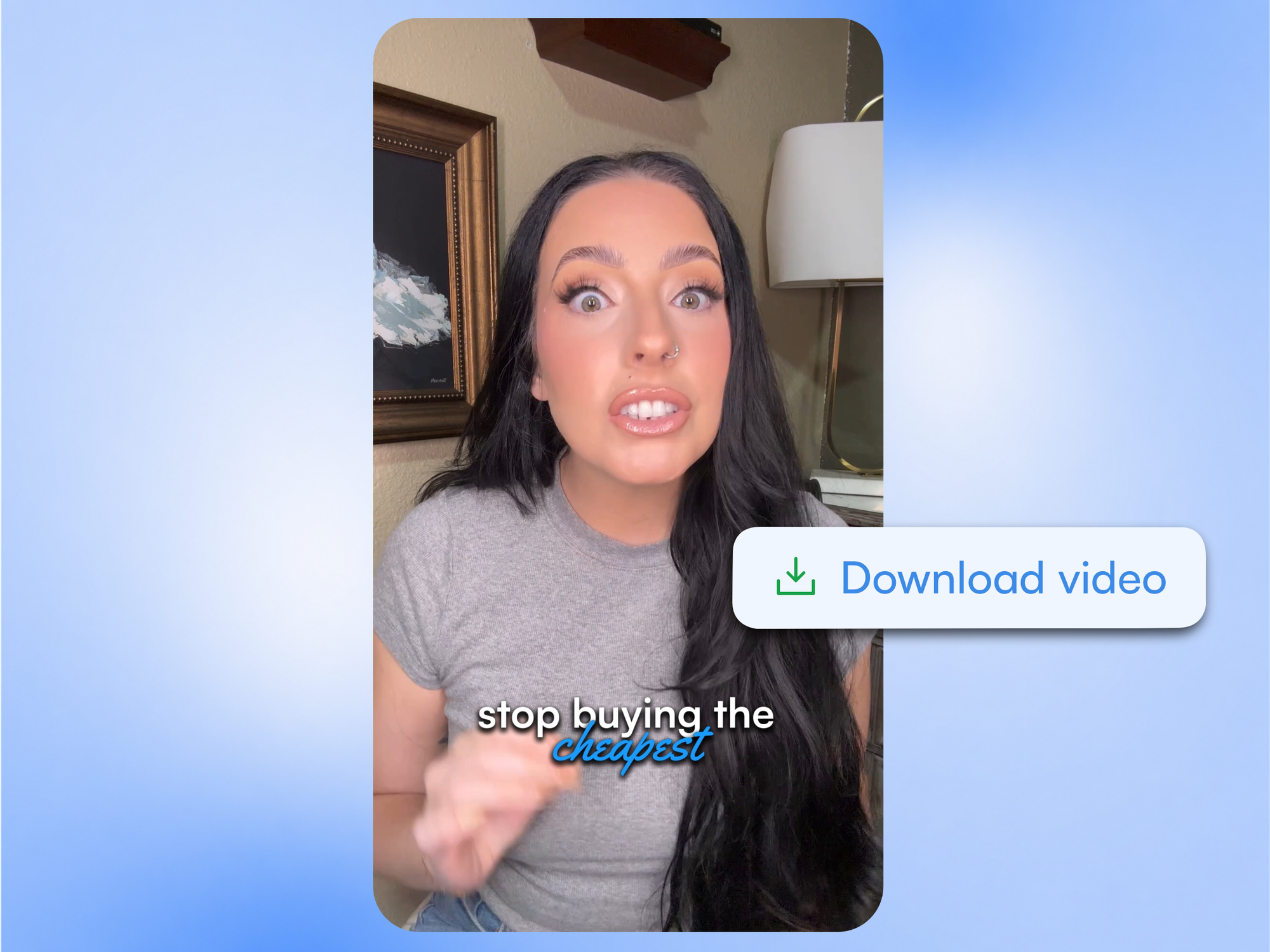
ReadyForm chooses the takes, cuts the restarts and the silences, and adds captions, zooms, B-roll, sound and colour. All of it is composed inside the 9:16 frame rather than cropped down from something wider, so the subject stays where it should be and the captions sit where you set them.
04
Download the vertical video
It renders in 9:16 without a watermark, and in 1:1 and 16:9 as well if the same message has to go somewhere wider. Open the editor first if you want to change a scene, a caption or a cut. None of that is required.
A mobile-first edit, content and frame together.
Everything is prepared inside the vertical composition, not added to it afterwards.
The complete edit
The separate vertical recordings become one connected, rendered video.
Cuts and cleanup
Pauses, retakes and unwanted sections removed; the message stays in order.
Captions in the frame
On-screen text placed and sized for a phone screen, in your brand kit's style.
Zooms and framing
Punch-ins that keep the subject where a viewer looks on a vertical screen.
Pacing
How long scenes stay and how the video moves between ideas, set for short vertical viewing.
B-roll, sound and colour
Supporting footage and sound effects inside the vertical composition, and a colour grade over all of it.
One vertical workflow, different destinations.
Prepare the video once; post it where your audience watches vertically.
TikTok
Short creator insights, explainers, opinions and product content.
Instagram Reels
Personal-brand content, tutorials, stories and educational videos.
YouTube Shorts
Concise educational, expert and creator-led video.
LinkedIn and elsewhere
Professional insights and thought leadership, in 9:16 or exported as 1:1 or 16:9.
Built for original vertical content.
ReadyForm is built for footage recorded vertically, multiple takes for one video, the complete edit with captions and visuals composed for the frame, and export in 9:16, 1:1 and 16:9.
ReadyForm is not a landscape-to-vertical converter, an automatic reframing tool, a long-form clipping platform, a social scheduler, an avatar generator or a text-to-video product. It does not guarantee placement inside every platform's overlays, and it does not guarantee views. You check the post in the app; that stays your call.
Try it on your own footage for $0 today.
Every plan starts with 7 days free: 750 ReadyCredits, up to 3 standard videos, the complete editor, no watermark.
Start 7-day free trialQuestions before you upload?
What is a vertical video editor?
Software used to cut, arrange, caption and prepare video recorded or displayed in a portrait-oriented frame. ReadyForm edits the vertical takes you recorded for one short video into the finished video.
What aspect ratio is used for vertical video?
A 9:16 frame is commonly used for mobile-first vertical short-form video. Exact platform requirements and interface overlays differ and can change.
How does ReadyForm edit vertical video?
It transcribes the separate vertical takes for one video, picks the cleanest version of each part, cuts the mistakes, adds captions, zooms, B-roll, sound and colour inside the 9:16 composition, and renders the result.
Can I upload multiple vertical takes?
Yes. ReadyForm is built around the separate takes for one intended video.
Can ReadyForm convert horizontal footage to vertical?
No. It edits footage that was recorded vertically. It is not a reframing or cropping tool.
Can I use ReadyForm for TikTok, Reels and Shorts?
Yes. Those are the natural destinations for a vertical short. The TikTok and social media video editor pages describe the workflows per channel.
Does ReadyForm keep captions inside platform safe zones automatically?
It composes captions for a phone screen, but platform interfaces and overlays differ and change, so it does not guarantee placement on every platform. Check the post in the app before you publish.
Can I try the vertical video editor?
Yes. Every plan starts with 7 days free: 750 ReadyCredits for up to 3 standard videos. A payment method is required, $0 is charged today, and you can cancel anytime from your account.
Related: TikTok video editor · Social media video editor · Inside ReadyForm
Upload the takes. Get the vertical video back.
Recorded on your phone, edited for your audience's phone.