Every Reel should not begin as a new editing project.
Your profile looks consistent. The production process behind it often is not: the same caption font, highlight colour, text position and logo decided again for every Reel, from files with unclear names. ReadyForm makes the edit in your saved style every time, so the consistency comes from a brand kit instead of from an evening's work.
Prepare in ReadyForm. Finish the post on Instagram: the cover, the audio, the caption text and the upload stay in the app. ReadyForm is not affiliated with Instagram.
Which Instagram creators is this for?
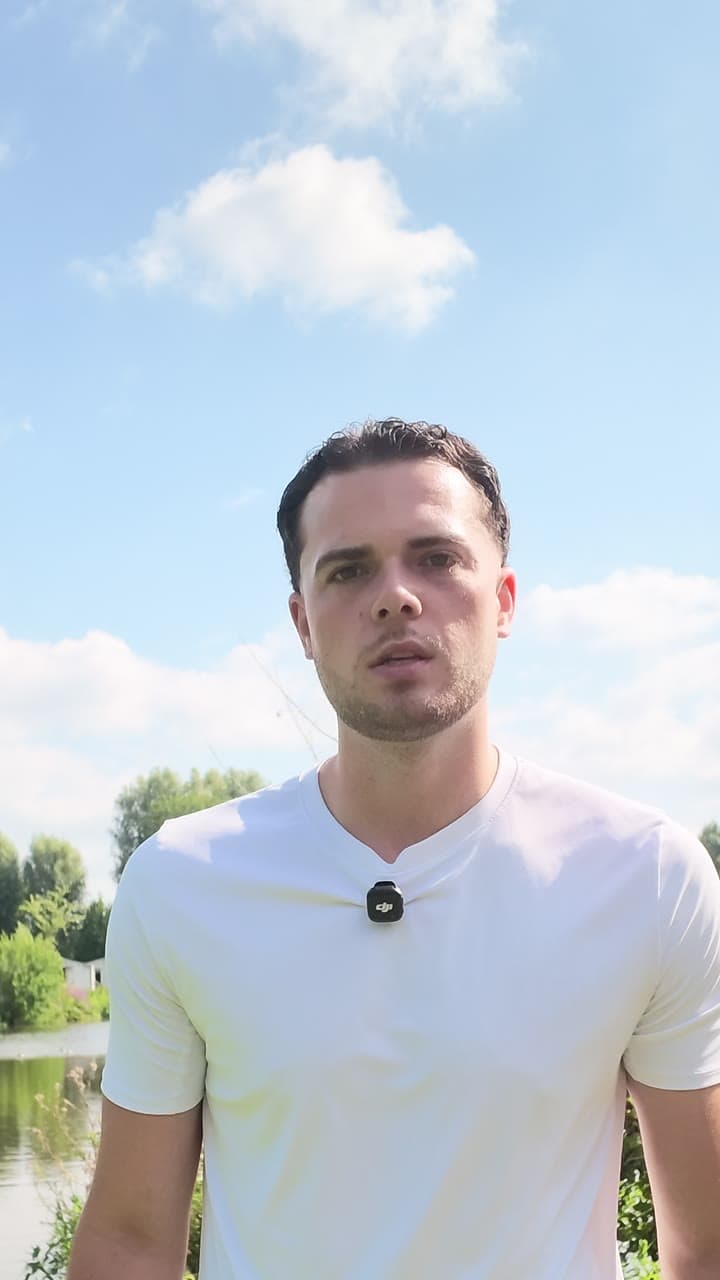
Creators who record original Reels in several takes, publish across Reels and Stories, and want the profile to stay recognisable without every video going through the same design steps.
ReadyForm reads the takes for one Reel, picks the cleanest version of each part, cuts the restarts, adds captions in your brand kit's font and colours, keeps the text off your face and inside a phone's frame, paces it, adds B-roll and sound, and renders it. The style is set once; every Reel follows it.
It does not add Instagram music, make the cover, tag products or post. Native-looking should not mean unfinished, and consistency should help viewers recognise you, not force every idea into the same template. The tool itself is described on the Instagram Reels editor page; this page is about the way you work.
A consistent profile needs a consistent workflow.
Too many separate takes. Repeated styling. Projects that drift apart from each other. And a backlog of recorded Reels waiting for the design work.
With ReadyForm the visual decisions live in one place: colours, fonts, caption style, logo and position. Upload the takes, pick the kit, and what comes back matches the last one and the next one.
Captions and visual elements need to stay readable without covering the creator or the footage. That is where the kit's positions come in.
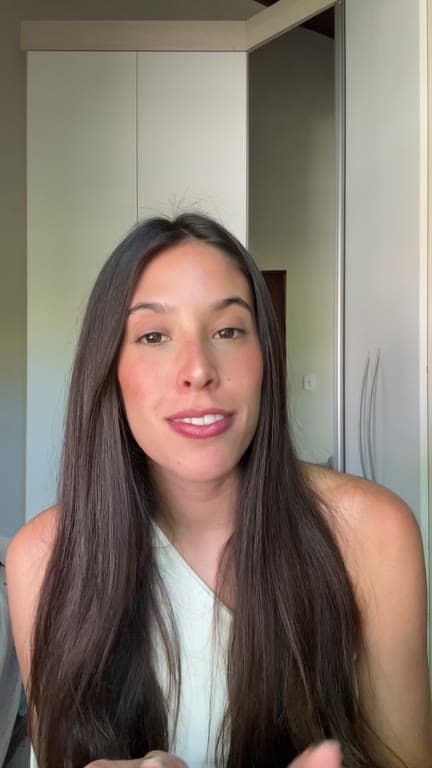
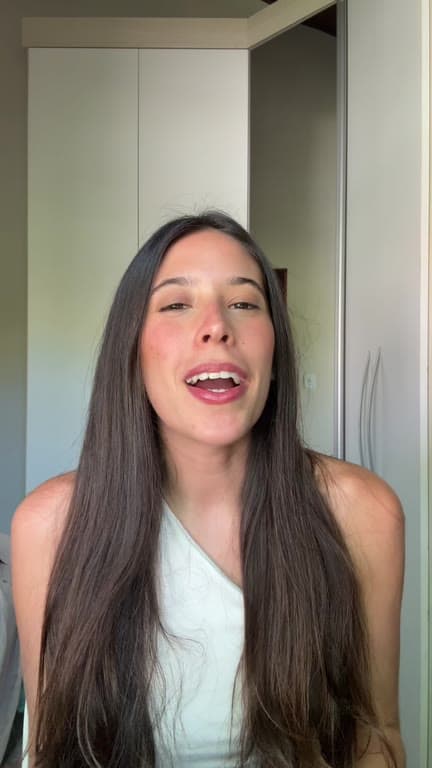
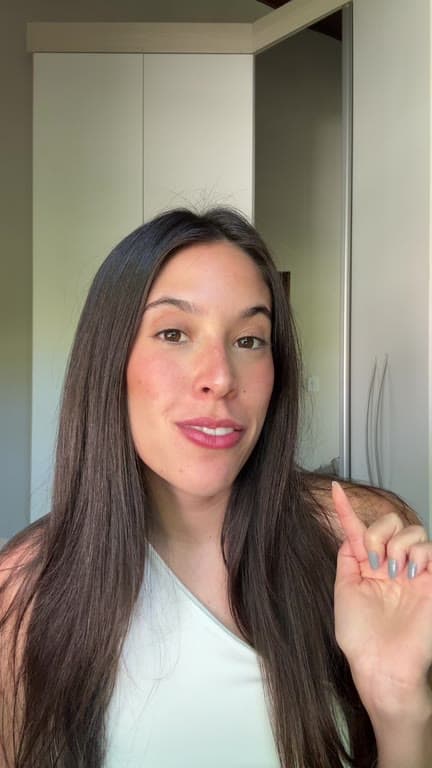
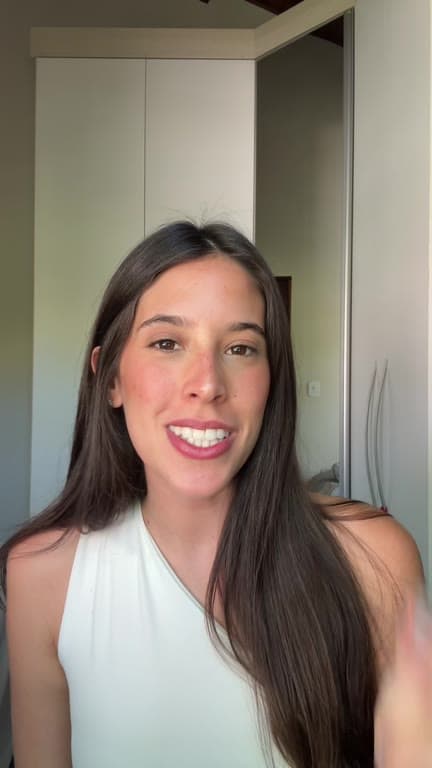
Keep your recording natural and your editing organised.
Reel after Reel, the same four steps.
01
Record your Reel
Record a few different openings, the explanation, and a retake of the one sentence you fumbled. Add the product or lifestyle footage you shot, a call to action, and a second ending if you cannot choose between them. All of it counts as material for the same Reel.
02
Upload with your brand kit
Everything for that Reel goes into one project with your brand kit selected. The kit holds the caption font, the highlight colour, where the text sits in the frame, and your brand colours and logo. Set it once and every Reel after this one inherits it.
03
ReadyForm makes the edit
ReadyForm keeps the opening that lands, cuts the restarts and the pauses, and adds captions in your style, pacing, B-roll, sound and colour. It renders in 9:16, so the Reel is composed for the vertical frame rather than cropped down into it afterwards.
04
Review the visual details, export, publish on Instagram
Check the text placement, the framing and the wording. Download, then pick the cover, add audio and write the post caption in the app.
What the kit keeps consistent.
The decisions that used to be made again for every Reel.
Caption font and size
The same typeface on every video.
Colours and highlight
Text colour, highlight colour and background, from the kit.
Position and words per caption
Where the text sits and how much of it, so it never covers your face.
Logo and its placement
Saved once, placed the same way each time.
The B-roll it looks for
A few words about what you do steer the visuals it picks.
Several kits
One per account if you run more than one look.
Prepare in ReadyForm. Finish the post on Instagram.
You keep the idea, the message, which scenes and takes stay, the caption wording, the visual identity, the Reel cover, the native audio, the post copy and the upload. ReadyForm makes the cut, the captions, the pacing, the visuals and the render.
It is not a scheduler, a post planner, an analytics tool, a hashtag generator or a template library, and it does not promise reach or followers. Nothing is published automatically. For tips, tutorials, stories, routines, product demonstrations, behind the scenes and collaborations alike.
Try it on your own footage for $0 today.
Every plan starts with 7 days free: 750 ReadyCredits, up to 3 standard videos, the complete editor, no watermark.
Start 7-day free trialQuestions before you upload?
Can ReadyForm help keep my profile visually consistent?
Yes. A brand kit holds your caption style, colours, logo and position, and every Reel made with it follows them.
Can I edit several Reel takes into one video?
Yes. That is what ReadyForm is built around.
Does ReadyForm include Instagram music or make the Reel cover?
No. Add native audio and pick the cover in the Instagram app when you publish.
Does ReadyForm publish directly to Instagram?
No. You download the finished Reel and upload it yourself. There is no integration and no affiliation.
Where is the Reels editor itself described?
On the Instagram Reels editor page, which covers what the tool does with a Reel. This page is about the way you work.
What does the trial include for an Instagram creator?
7 days, 750 ReadyCredits, up to 3 standard videos, brand kits included. $0 today; cancel anytime from your account.
Related: Instagram Reels editor · Brand kits · Who it's for · TikTok creators
Your next Reel is already recorded.
Set the style once, upload the takes, and get a Reel that matches the profile.