Turn scattered raw takes into organised edits.
You are not the person recording. Founders, experts, employees and creators send you hooks, explanations and supporting footage, and the calendar does not wait. ReadyForm turns those takes into finished short-form edits in each brand's style, so you spend your time on the message, the captions and the posting, not on the assembly.
ReadyForm makes the edit. It is not a scheduler, a calendar, an approval tool or a social inbox; it takes one place in the stack you already run.
Is ReadyForm built for social media managers?
Yes: for freelance and in-house managers who receive original footage in several takes from the people they make content for, and need it to become a finished video without an editing day per post.
Upload the takes for one video, pick the brand kit of the person or brand it belongs to, and ReadyForm chooses the takes, cuts the restarts, adds captions in that brand's style, paces it, adds B-roll and sound, and renders it. Then it shows you every scene with its source take, so you can swap what the founder would not have chosen and fix the caption that got the product name wrong.
It does not schedule or publish, hold your calendar, collect stakeholder approvals or replace your brand-management platform. Approval and posting happen where they happen today.
The calendar is ready. The footage still needs to become content.
Raw footage arrives without structure: three hooks, a restarted explanation, a correction in a separate file, no file names. The calendar moves faster than production. Every new video repeats the same brand setup. Feedback creates version confusion.
ReadyForm takes the unstructured part off your desk. One project per video, the brand kit does the styling, the edit is made, and what comes back is one finished file per video plus a view of every decision, ready for whoever reviews it.
Nothing is published automatically. The finished video waits for you, and you post it.
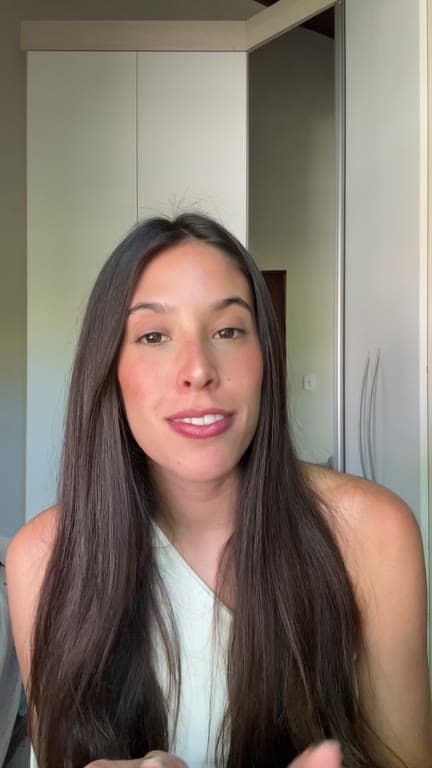
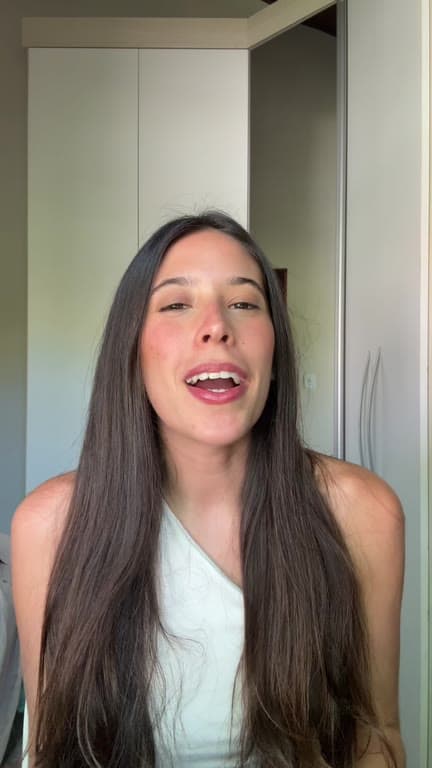
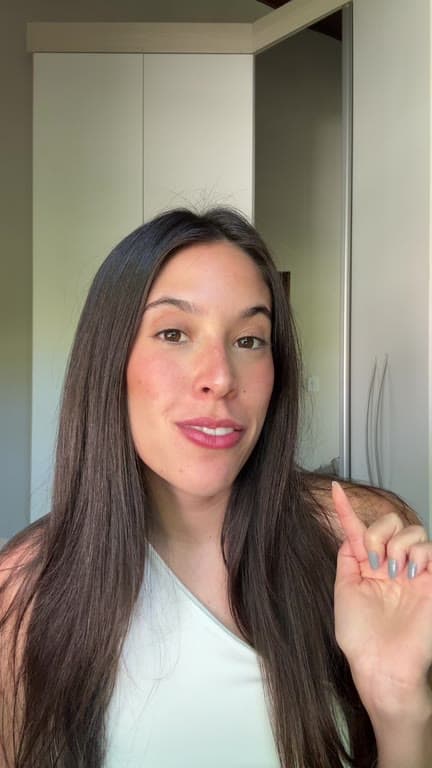
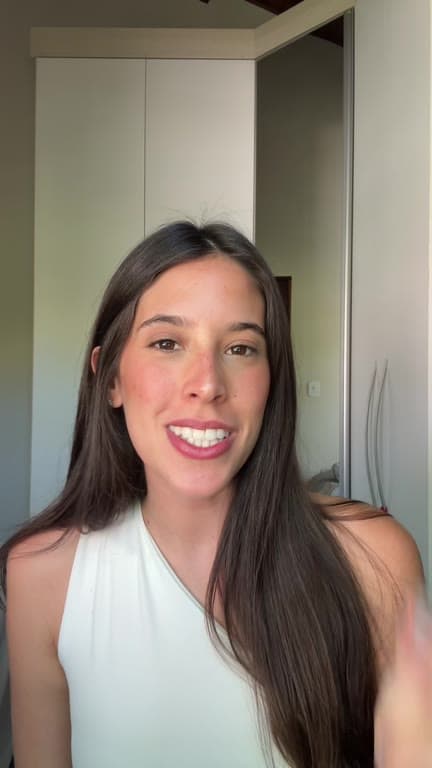
Receive the footage. Return a finished video.
Where ReadyForm sits between the recording you did not make and the post you will.
01
Receive the takes
The founder, the expert or the creator sends you what they recorded: hooks, explanations and whatever supporting footage they had to hand. Several attempts of each are fine, and usually better. You no longer have to coach anyone into getting it right in one take.
02
Upload and pick the brand kit
All the takes for one video go into a single project with the right brand kit selected. Every brand or content owner gets a kit of their own, holding the colours, fonts, caption style and logo, plus a description of the business that steers the B-roll and the highlighted words.
03
ReadyForm makes the edit
ReadyForm keeps the cleanest reading of each line, cuts the restarts and the silences, and adds captions in that brand's style, pacing, B-roll, sound and colour. The video is rendered. What lands on your Monday morning is something to review, not a folder to work through.
04
Review, export, continue
Check the captions, the claims, the take per scene. Download in 9:16, 1:1 or 16:9 and hand it to your review and scheduling process.
What you keep control of.
ReadyForm makes the video. These stay yours.
The brief and the message
What the video says and who it is for. The edit follows the takes; it does not write the message.
Which takes and scenes stay
Every scene shows its source take. Swap the one the founder would not have chosen.
Captions, names and claims
Product names, terminology and numbers are editable in the story view. Check them before anything goes out.
Brand accuracy
A brand kit per content owner keeps founder content, expert content and brand content visually distinct.
Finding it again
Projects are searchable by status and brand, so last month's founder series is one filter away.
Stakeholder feedback and approval
Collected the way you collect it now. ReadyForm has no comments, roles or approval flow.
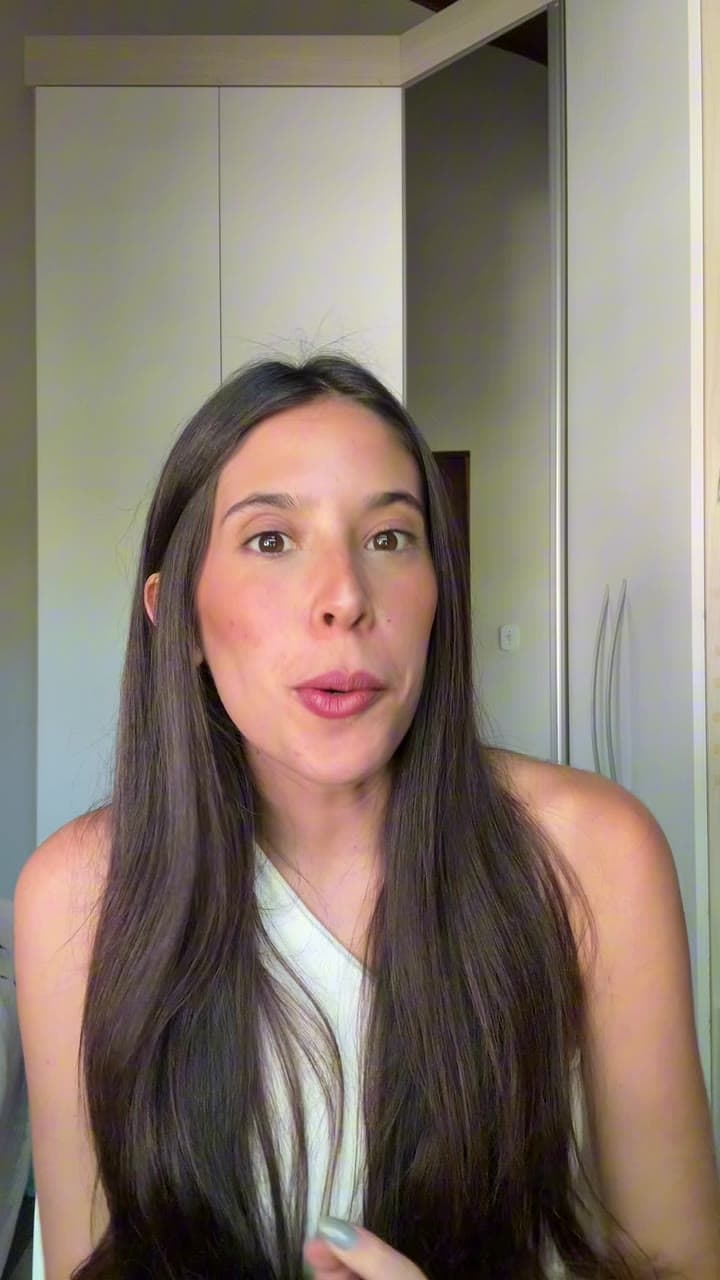
Content you manage, footage you did not shoot.
The kinds of video that arrive in your inbox as takes.
Founder- and expert-led video
Perspective and knowledge from the people who have it.
Employee and employer-brand video
Team members on camera, in the company's style.
Product and campaign video
Launches, features and seasonal pushes.
Recurring series and creator collaborations
The weekly format, and the creator footage that comes with the campaign.
One tool, one place in the stack.
ReadyForm is built for managers who receive original short-form takes and need finished, on-brand videos back, for one person, one organisation or a limited set of brands. Start on a creator plan for one content owner; for a company account with more volume, book a call about Business.
ReadyForm is not a scheduler, a content calendar, a social inbox, a community platform, an approval platform, a client portal, a campaign system, a listening or analytics tool, a caption writer or publishing automation. It does not enforce every brand rule, and it does not prevent an off-brand export; you look before you post.
Try it on your own footage for $0 today.
Every plan starts with 7 days free: 750 ReadyCredits, up to 3 standard videos, the complete editor, no watermark.
Start 7-day free trialQuestions before you upload?
Is ReadyForm designed for social media managers?
Yes. Footage from founders, experts and creators becomes a finished short-form edit in the right brand's style, and you keep the message, the captions and the posting.
Can I manage several brands?
Yes, with a brand kit per brand or content owner, and projects filtered by brand.
Does ReadyForm have a content calendar or scheduling?
No. It makes and exports the video; scheduling and publishing happen in your existing tools.
Can stakeholders approve inside ReadyForm when a social media manager uses it?
No. There are no comments, roles or approval flows in the product. Export the video and run it through the review you already have.
Can I swap the take ReadyForm chose for a scene?
Yes. Every scene shows its source take; pick another one and the video re-renders.
Which plan fits a social media manager?
For one content owner, a creator plan with the 7-day trial. For a company account with more volume, book a call about Business.
Related: Who it's for · B2B marketing teams · B2C marketing teams · Brand kits · Book a call
The footage has arrived. Turn it into one finished edit.
Upload the takes you were sent and see what comes back.