Automatic video captions built into the edit.
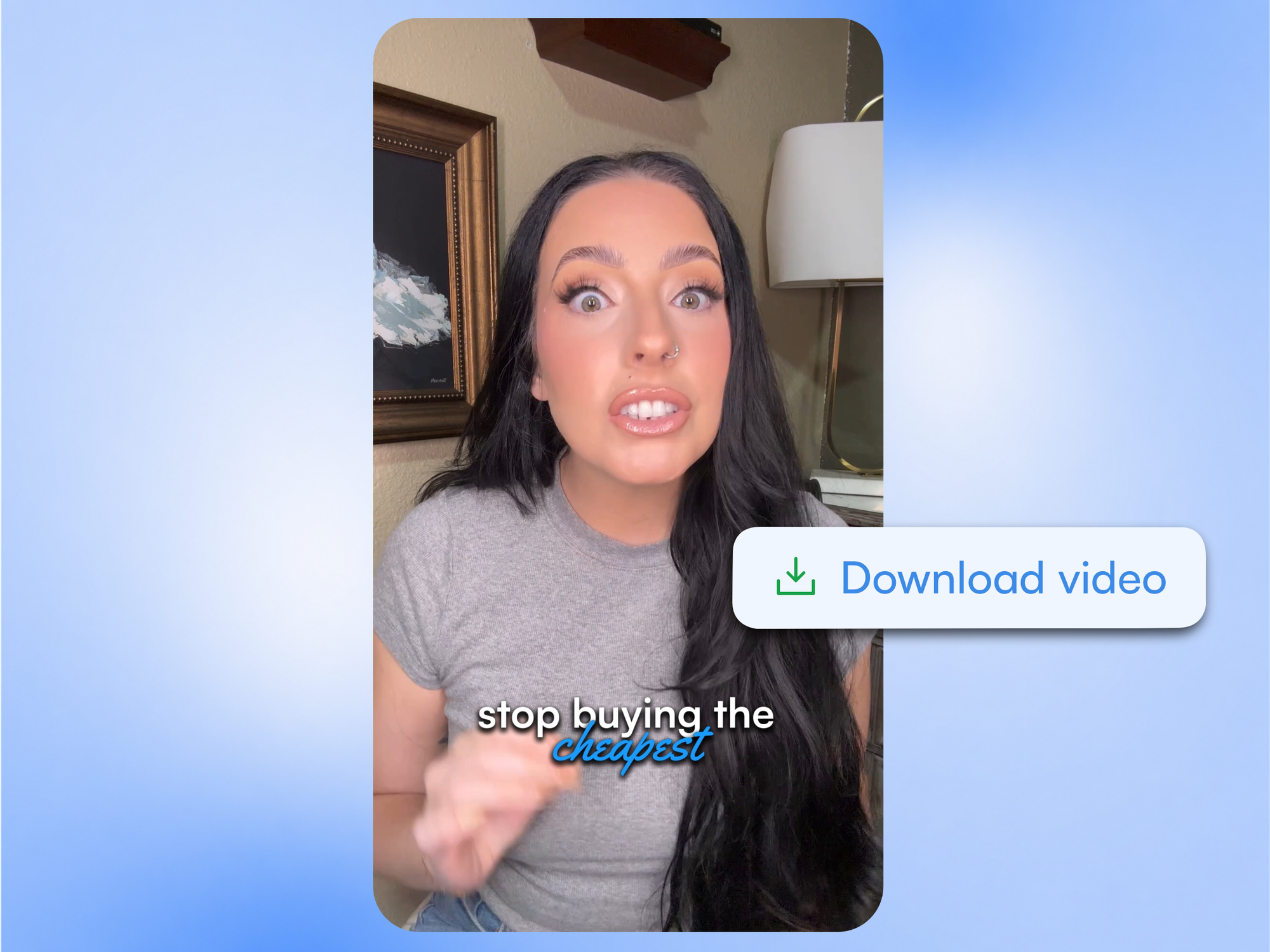
ReadyForm makes on-screen captions from the spoken content in your short-form footage, word-timed, in your brand kit's font and colours, with the key words highlighted. They are made inside the edit, tied to the scenes, and the transcript beside the video is where you correct a name or a number.
ReadyForm writes the text. You check every word. Names, numbers, technical terms and accents can trip any transcription.
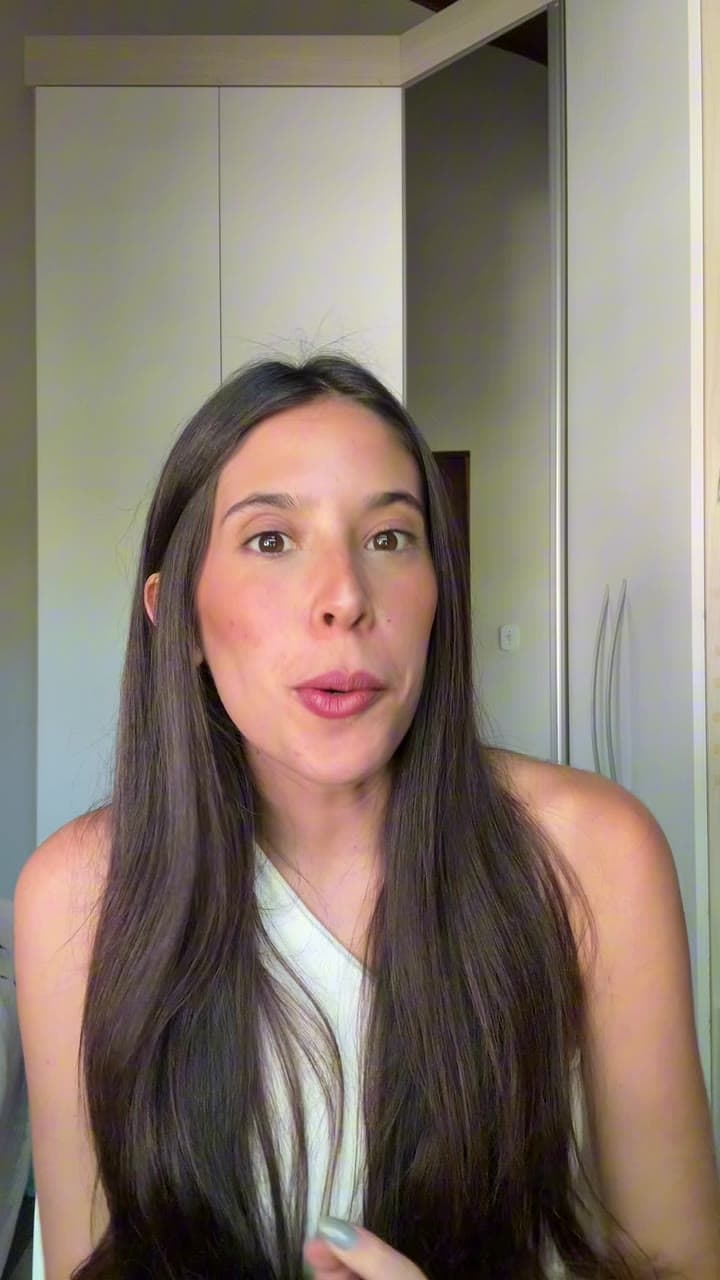
What are automatic video captions?
Automatic video captions are on-screen text generated from the spoken audio in a video. They help viewers follow the spoken content and keep the message visible when the sound is off or hard to hear.
ReadyForm transcribes every take, and when the edit is made the captions come with it: timed to the words, styled by your brand kit, with the important words highlighted. Because the captions are part of the edit, they move with it: swap a take or shorten a scene and the captions follow.
Captions are not subtitles: captions represent the spoken content for the same audience; subtitles usually translate dialogue for another one. ReadyForm makes captions. It does not translate, and it does not promise that every accent, name or term comes out right.
Captions should help people follow the video.
Good captions make the spoken message visible, clarify a name or a technical term, and let someone watch with the sound off. Bad captions cover the face, sit under a platform's buttons, show too many words at once, move too fast, animate too much or highlight the wrong word.
ReadyForm places captions where a phone screen shows them, keeps the lines short, times them to the speech and highlights the words that carry the sentence. The style is yours: font, colours, highlight colour and background, animation, words per caption, position and case, saved once in a brand kit.
Good captions support the message. They should not become the main distraction.
From spoken words to captions you have checked.
The captions arrive with the edit. The check is yours.
01
Upload the takes
Add the separate recordings for one short video to a project. ReadyForm transcribes every one of them word by word, including the takes you had already written off, so nothing you said is missing by the time the captions are written.
02
The edit is made, captions included
The takes are chosen and the cuts are made first, and the captions follow the sentences that survived. They are timed to the speech rather than to a fixed rhythm, and styled by the brand kit you picked, so the font, the size and the highlight colour are already yours.
03
Check the words in the story view
The story view puts the transcript next to the video, which is where names, brands, numbers, technical terms and punctuation are easiest to spot. Change a word there and the caption changes with it. Most videos need one or two corrections, and plenty need none at all.
04
Check the look, then post
Size, position, highlight colour and animation are in the brand kit; change them there and every video follows. Watch the whole thing with the sound off once.
What to check before you post.
Automatic captions reduce the manual work. They do not transfer responsibility for the published text.
Names
People, companies, brands and products are the words a transcription gets wrong most often.
Numbers
Dates, prices, percentages and quantities deserve a look every time.
Technical language
Industry terms, abbreviations and specialist words can be misheard.
Accents and audio
Pronunciation, room noise, music and overlapping speech reduce accuracy.
Sensitive claims
Medical, legal, financial and factual statements need particularly careful review.
Emphasis
The highlighted words should be the ones that carry the sentence. Change them if they are not.
Captions do not exist separately from the edit.
Pick another take and the caption changes. Shorten a scene and the caption timing changes with it. Add B-roll and the caption still sits where it is readable. Because ReadyForm makes captions inside the edit, they stay consistent with everything else; a caption tool that runs on the exported file cannot do that.
ReadyForm is built for spoken, explanation-led video: talking heads, creator insights, educational content, product explanations, tutorials, founder content. It is not a standalone transcription service, a closed-captioning agency, a subtitle-localisation platform or a social post-caption writer, and captions alone do not make a video meet accessibility requirements; that check stays with you.
Try it on your own footage for $0 today.
Every plan starts with 7 days free: 750 ReadyCredits, up to 3 standard videos, the complete editor, no watermark.
Start 7-day free trialQuestions before you upload?
How does ReadyForm add captions?
It transcribes every take, and when the edit is made the captions come with it: word-timed, styled by your brand kit, with the key words highlighted.
Can I edit ReadyForm's captions?
Yes. Edit a word in the transcript beside the video and the caption follows. Font, colours, highlight, animation, words per caption, position and case are set in the brand kit.
Are automatic captions always correct?
No. Names, numbers, technical terms, accents and audio quality affect the result. Check every caption before you post.
Are captions and subtitles the same?
No. Captions represent the spoken content for the same audience. Subtitles usually translate dialogue for another one. ReadyForm makes captions and does not translate.
Can ReadyForm make animated captions?
Yes. Animation and effects are caption-style options in the brand kit, alongside highlight colour and background.
Does ReadyForm keep captions inside social media safe zones?
It places them where a phone screen shows them, but platform interfaces differ and change, so it does not guarantee placement on every platform. Check the post in the app.
Can I try automatic captions?
Yes. Every plan starts with 7 days free: 750 ReadyCredits for up to 3 standard videos, captions included. A payment method is required, $0 is charged today, and you can cancel anytime from your account.
Related: All features · Brand kits · Automatic video cuts · Vertical video editor
See the captions ReadyForm makes inside your edit.
Upload the takes for one short video and check the words yourself.